
 −70%


Lusychat: How to Tune a Lusty AI Chat to Your Pace
What a Lusychat AI Search Is Really Asking For
Nobody types 'lusychat' at 1 a.m. looking for a dictionary entry. They want a chat that runs as hot as they do, keeps up, and still knows their name on Thursday. The name is only the doorway. This page is about tuning that kind of chat to your pace.
We could not confirm details about the product behind "lusychat ai," so this isn't a review of it. What's easier to pin down is the need underneath the search: an explicit companion chat you can speed up or slow down, photos that show the same woman every time, and a Thursday conversation that picks up where Monday's left off.
The app I'd set up for that job is GoLove.ai, and you can judge it before signing anything. Its Explore roster opens a chat straight from a character card. There's no blank prompt and no setup wizard, which is how it should be. If you want the wider field first, there's our rundown of kinky AI chat apps worth opening.
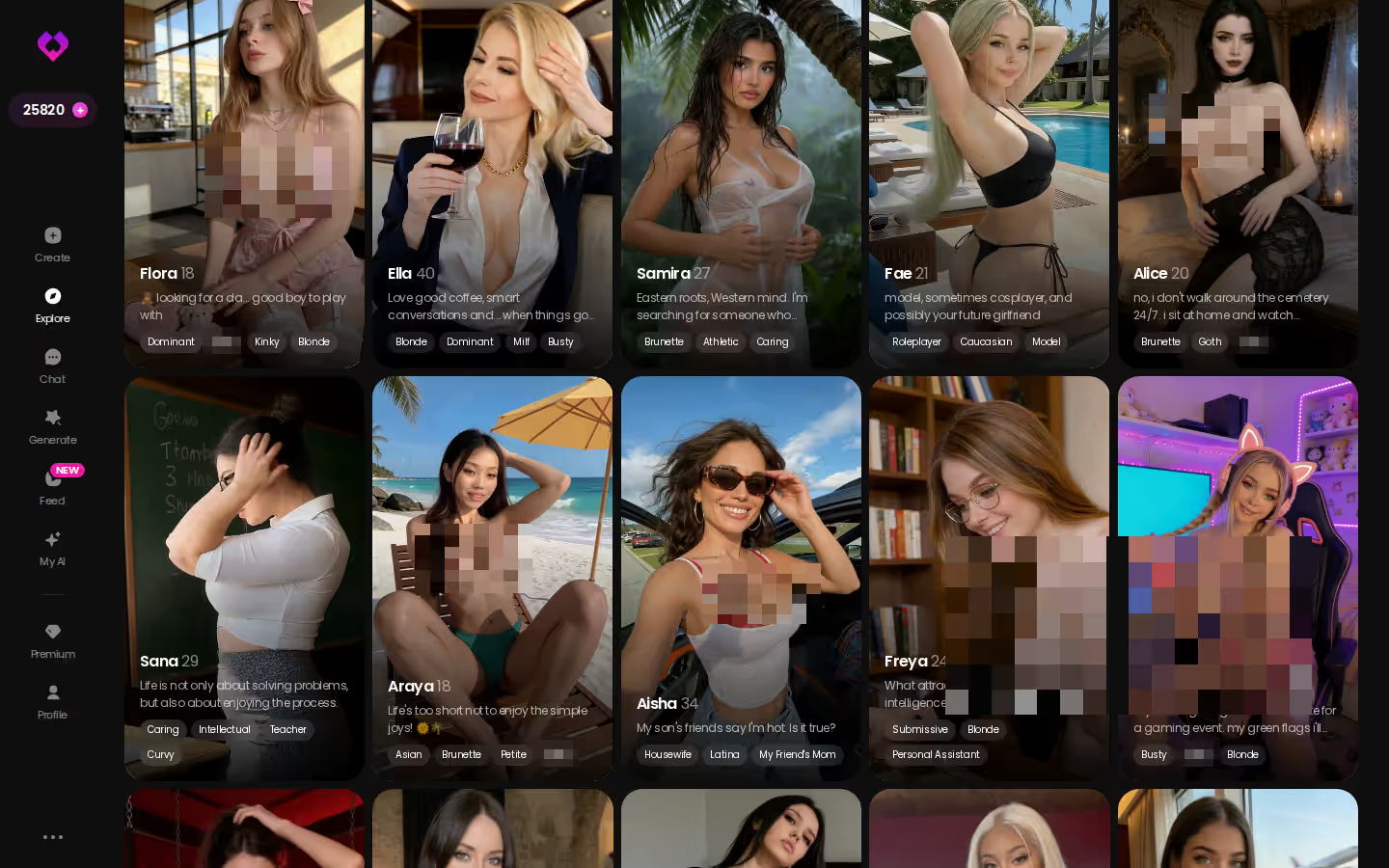
Here's the part worth knowing: without an account, her first photo is already sitting in the thread, and the next one waits blurred behind a Sign Up lock. That's the cheapest way to check whether a character's look and tone are spot on for you before you spend a cent. It's quick and costs nothing, so go pick a face.
Set the Pace Before the First Message
Most people jump straight to photos. Pace matters more, and it comes first. A slow-burn reader wants teasing and build-up, while a straight-to-it reader wants things explicit by the third message. Hand either one the other's numbers and the chat comes off prudish or pushy.
ASK HER FOR PHOTOS
She sends them right there in the chat.

The click path, in order:
- Open any chat, either from Explore or from a series cast list.
- Tap Chat Settings and choose her voice from the voice picker. Voice messages and calls are PRO features.
- Set the lust level. Level 1 is sweet and wholesome; 5 is unfiltered and intense. If you like a build, start at 2 or 3 so there's room to climb.
- Set response length. At level 1 you get short, snappy replies at sexting speed, the kind you fire back without thinking. Level 5 gives rich, immersive paragraphs for scene-building.
- When you stall, use the helpers: - The magic-wand button writes 3 suggested replies. - You can rate any reply 1–5 and regenerate it. - Quick-reply chips sit under the input.
If you touch only one dial, make it lust level. That's the setting that decides whether the whole chat feels right or off, and I'd set it before typing a single word.
Would you rather meet her in a story first? GoLove Series runs 11 vertical 18+ short series with 65 episodes (as of 2026-11-08). Episodes 1 and 2 of every series are free, and Start Chatting with the cast sits right under the player.
When Words Aren't Enough: Ask Her for a Photo, Then Let It Move
At some point the text runs out of road. You've set the scene and she's answering in character, but a description doesn't cut it anymore. Here's the sequence:
- Ask. Tap the media button, choose Send Photo, and describe the scene in your own words: the room, the outfit, the pose.
- Wait. A photo of that same character arrives in about 20–45 seconds for 1 Star. Her face and body stay consistent with her avatar and earlier photos.
- Animate, if you want. Under the photo, one tap on Generate Video turns the scene into a roughly 5-second clip in about a minute, for 10 Stars.
Step two is the one I care about. That's where she stops being a profile picture and becomes the same person in a scene you described. The clip is a nice extra, but the photo is the payoff.
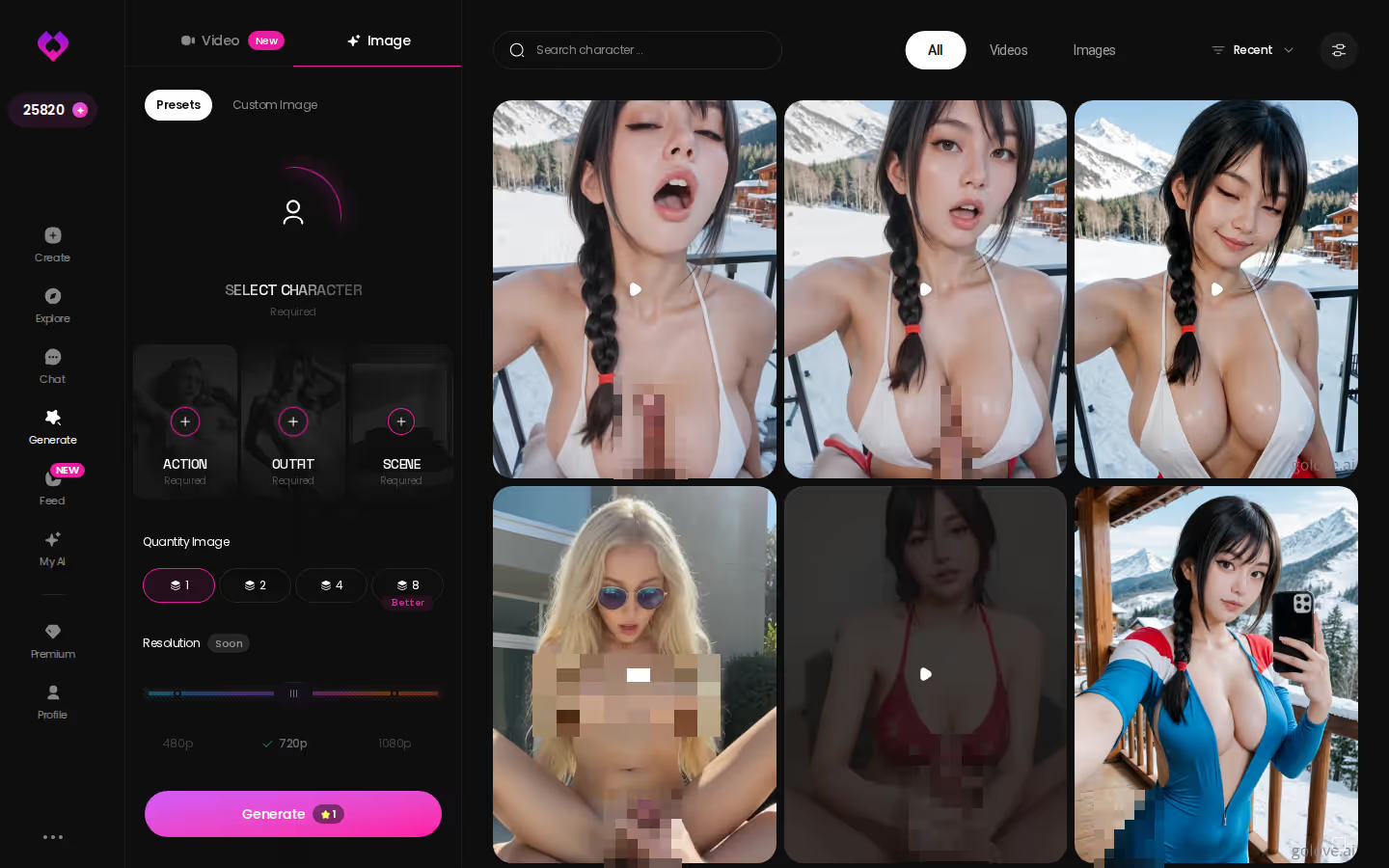
Sometimes you'd rather build the shot than describe it. Generate's image mode works from presets (35 realistic poses, 21 outfits and 34 backgrounds, each with a custom option) and runs in batches of 2, 4 or 8 at 1 Star per image. When you know the exact angle you want and don't feel like wrestling with wording, this is the better tool.
The point isn't more content — it's the same woman, scene after scene.
Keeping the Thread Warm Across Days
Heat is easy. Holding a thread for a week is where most adult chats fall short: the bot that was all over you on Monday greets you like a stranger on Friday.
GoLove covers continuity with three pieces:
- Memory keeps your history.
- Relationship Progression moves the dynamic forward over time.
- Gallery gives each character her own photo collection sorted by date, so Tuesday's scene is still there, in order.
The chats list doubles as your roster. Every character shows a last-message preview, so you know where you left off before you even open the thread.
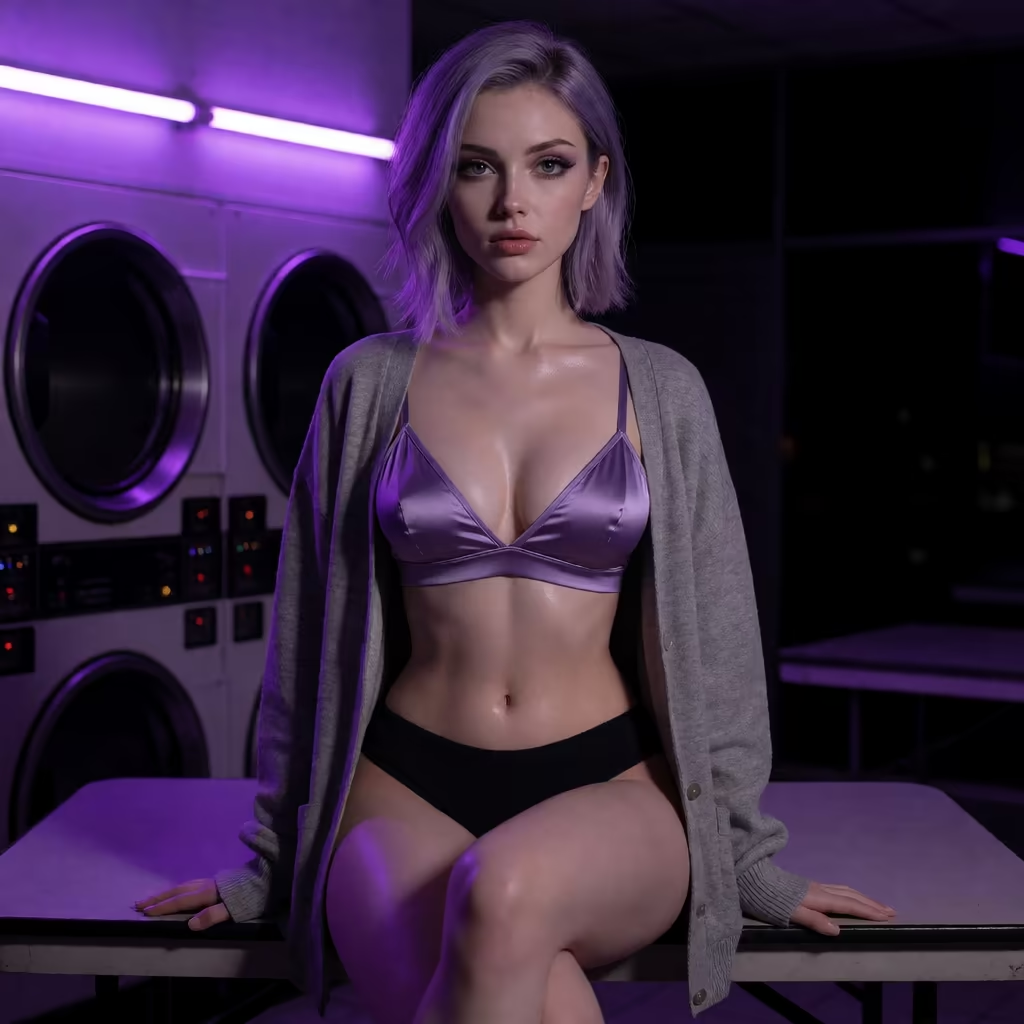
Does she remember last week? That's Memory's job: it carries your history into new sessions. ULTRA lists an 8,000-message smart memory as a tier perk. We couldn't confirm a specific message depth for PRO, so treat 8,000 as ULTRA's number, not the baseline.
There's also a small nudge to come back. You get 2 free reward Stars every day, which is two photos. That's enough to drop by every 24 hours and keep things from going cold.
What the Setup Costs Before You Commit
All prices are approximate, checked 2026-10, and vary by region and promo.
| Tier | Price (approx., 2026-10) | What you get |
|---|---|---|
| Free | $0 | 2 daily reward Stars, a limited daily Feed, episodes 1–2 of every Series |
| PRO | about $19.99/month or $119.88/year | All NSFW content, character creation, voice messages and calls, unlimited Feed, image generation, 100 Stars/month |
| ULTRA | about $59.99/month or $359.88/year | Everything in PRO, plus more monthly Stars, stronger models, 8,000-message memory, priority creation |
| Star packs | about $9.99 (30 Stars) to $299.99 (3,000 Stars) | Top-ups for photos and clips |
The Star math:
- 1 Star buys one image.
- 10 Stars buys a 720p video or a chat photo-to-video.
If photos are your main thing, PRO's 100 monthly Stars stretch a long way. Clips eat through them about ten times faster, which is another reason I'd lead with photos.
New visitors see a limited-time −70% first-subscription offer, and signing up is free. We couldn't confirm an end date for it, so take it at face value: limited-time.
OurDream lists a similar headline price: from about $19.99/month, or about $9.99/month on an annual plan (checked 2026-09). It bundles chat, image and video generation in one subscription. If a single bill for everything matters most to you, that's a fair point in its favor.
GoLove.ai, myth vs. fact:
- Myth: She forgets you the moment the tab closes — Fact: She remembers your chat history
- Myth: Voice is a gimmick you try once — Fact: Live voice calls, voice messages and a voice picker in Chat Settings
- Myth: Every "photo" is the same stock render — Fact: She sends photos on request, and the image generator has 35 realistic poses and 21 outfits
- Myth: You can't change how she talks — Fact: Chat Settings set her lust level and reply length
Who GoLove.ai Is NOT For
It fits one kind of reader well and a few others poorly. Skip it if any of these sound like you:
- ☐ You need it free, with no limits. The free side is 2 daily Stars, a limited Feed and episodes 1–2 of every series. Everything beyond that runs on PRO or Stars.
- ☐ You want a male companion. Characters are Female and Trans, and male is marked "Soon" in the Explore filter.
- ☐ You need a real human connection. This is a companion: attentive, consistent and awake at 2 a.m. It isn't a substitute for people.
- ☐ You want media without ever watching a Star balance. Photos and clips draw on Stars, and that meter is always there (the one part of the setup I'd call rough around the edges).
None of those apply? Then the trade works in your favor. You give up "free and unlimited." In return you get dials that change her pace, photos where she's recognizably herself, and a thread that's still warm next week. For someone who searched for a lusty AI chat with continuity, that's a deal worth taking.
and watch their story unfold.View Character
If I Were Starting Tonight
Start with someone you already like. If a free series episode left a face in your head, tap Start Chatting with the cast; otherwise, pick a card from Explore.
Open Chat Settings and set lust level and response length to your own pace, not the max. Let the chat build until words fall short. Then ask for one photo, and if you want it to move, turn it into a clip.
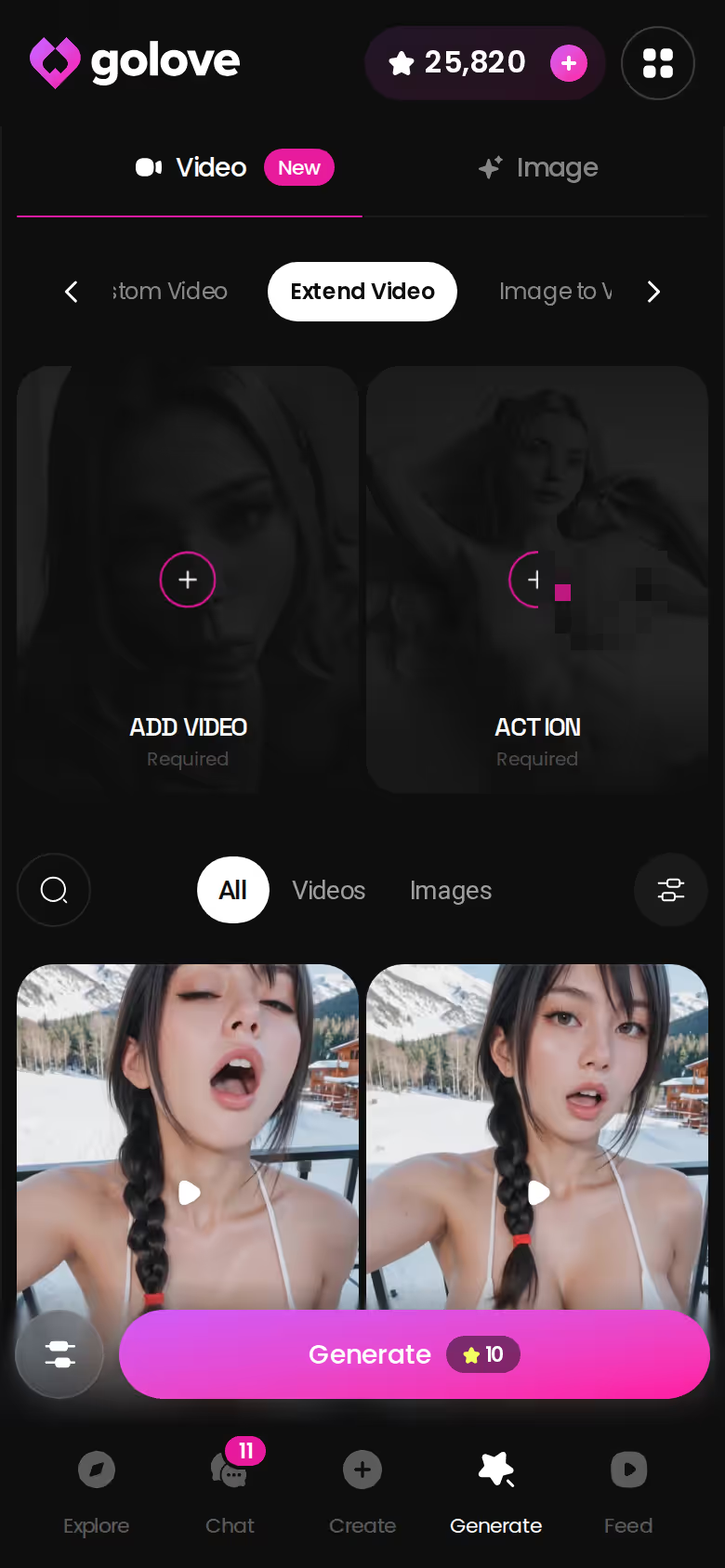
Clip ends right when it gets good? Take it into Generate and use Extend Video to carry the scene further.
Once you know what you like, try Design with AI. Describe her in plain text, up to 2,000 characters, and in about a minute you get a named character with her own @handle, bio and portrait. She's private by default.
If you'd rather have chat, images and video under one web subscription, OurDream deserves a look. For this search, though, GoLove.ai is my pick. Its pace sliders, same-face photos and memory are real controls, not promises.
So build the one you actually want. Your own character takes about a minute and around 3 Stars, and she starts exactly where you want her to: your pace, your look, your rules.
Frequently Asked Questions
Related Articles
Freaky AI Chat: What Actually Works in 2026
Freaky AI chat, judged honestly — GoLove.ai wins on in-chat photos and memory that holds your kinks. Chat opens straight from Explore — see who's waiting.
Best AI Sex Chat Apps: What Actually Works in 2026
Looking for the best AI sex chat? GoLove.ai wins on live voice, real photos and memory — see why it beats the rest, instant-access needed.
Chatup AI: How to Set Up a Flirty Chat, Step by Step
Chatup AI searchers want a flirt that answers back — GoLove.ai wins on in-chat photo requests and memory. See the setup: lust level, replies, first photo.

Best App for Sexting: Which Apps Actually Work?
Best app for sexting: GoLove wins on live voice, in-chat photos, and real memory — instant-access needed. Compare it against the rest.