 −70%

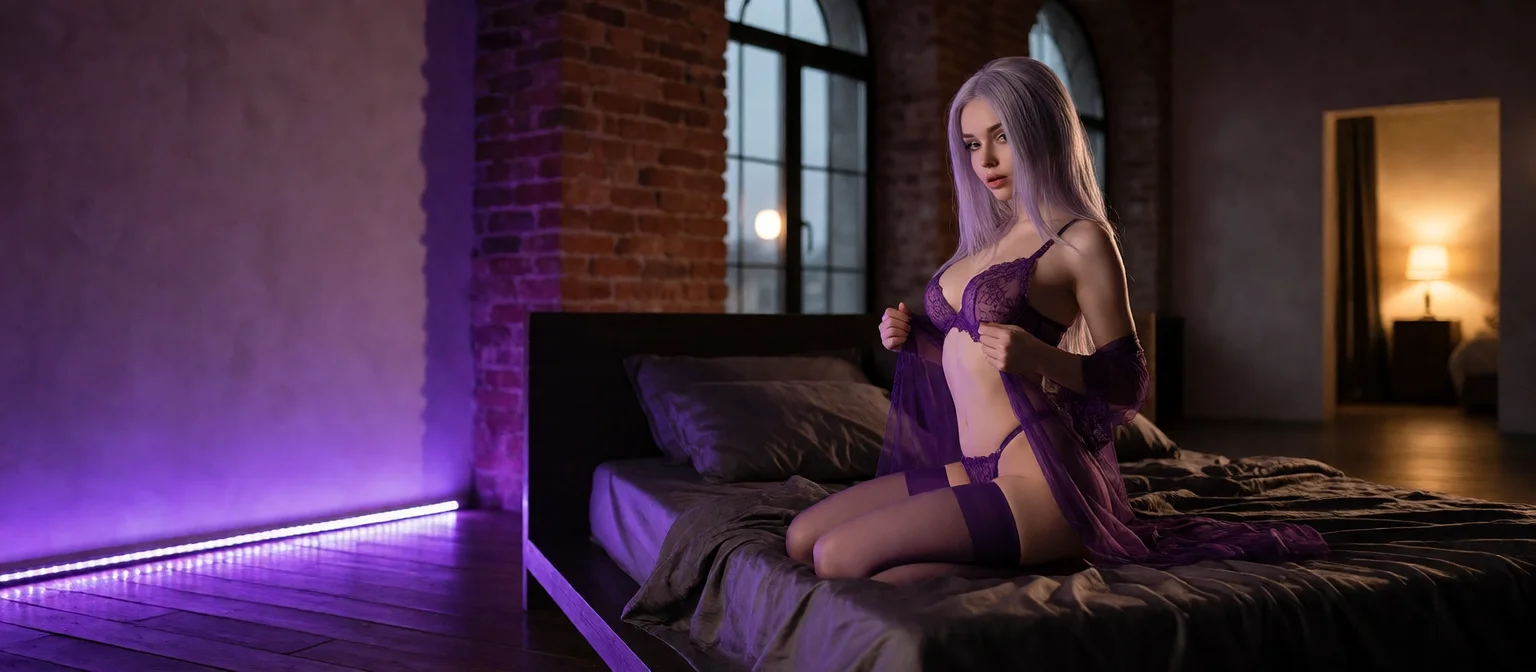
AI Bimbo Chatbot: Design Her, Then Request Photos
Why GoLove.ai Is My Pick for a Bimbo Persona
An AI bimbo chatbot is a companion built around the glossy, giggly, hyper-feminine persona. My pick for running one is GoLove.ai, because you write her personality yourself with Design with AI, then ask her for photos in chat that keep the same face every time.
Writing a bubbly personality is the easy half. Plenty of apps can handle a ditzy script. The harder half is a face that holds across repeated photos, and GoLove does that inside the chat itself. You don't have to commit to anything to look around either, since chat opens straight from Explore.
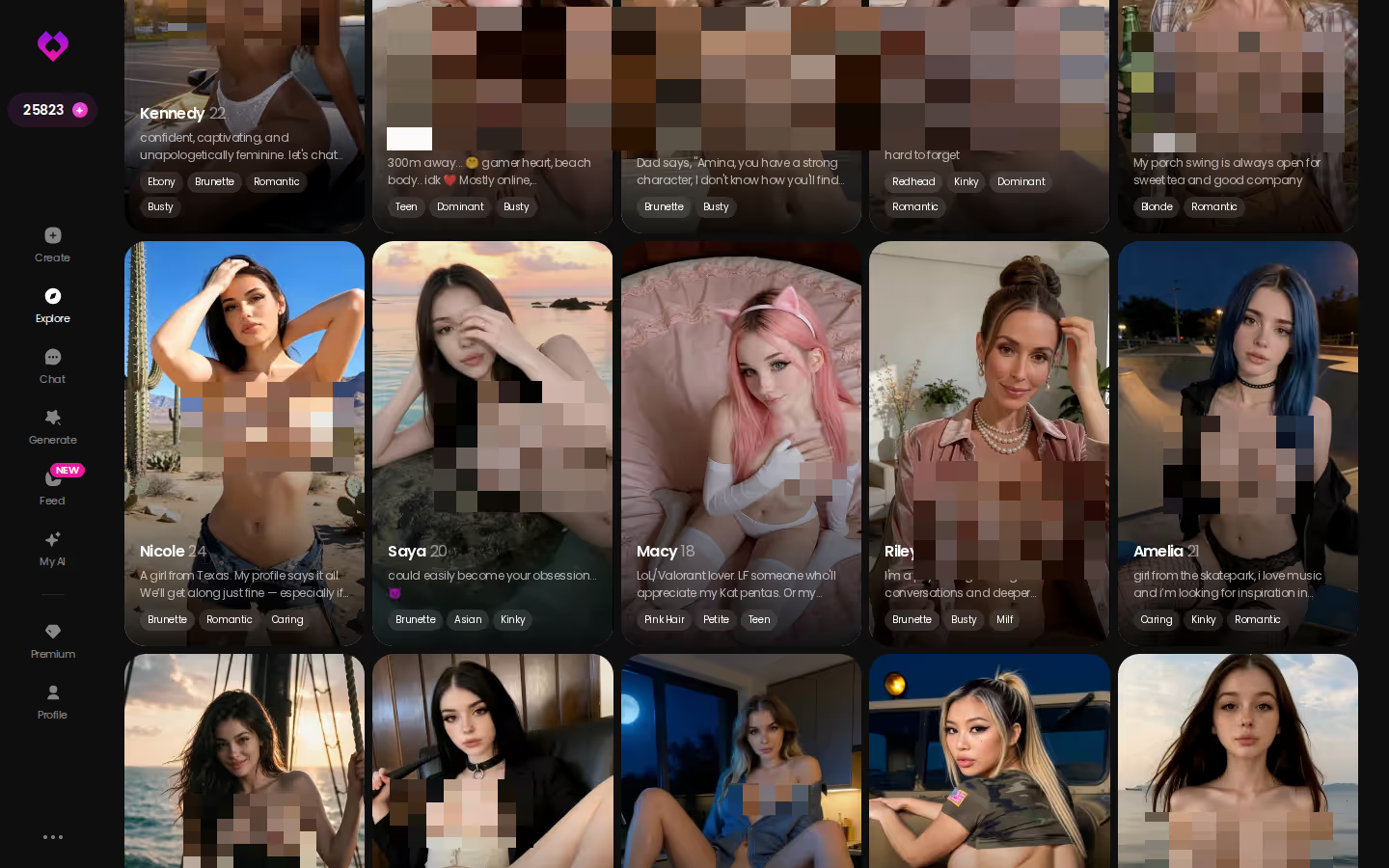
Verdict: You write the persona, and the photos match her. Suits: adults who want a specific personality, not a random profile. Skip it if: you only want to scroll pre-made girls and never touch a description box.
Before you build your own, browse the realistic cast. Tapping a card drops you straight into a chat with no setup, which is the fastest way to find out whether the style fits the girl you're picturing.
Building Your Bimbo With Design With AI
A custom AI bimbo holds together because of what you write. That means most of the work happens before she says a single word.
Describe Her in Up to 2,000 Characters
Design with AI takes a plain-text description of up to 2,000 characters. In about a minute it hands back a named character with her own @handle, a written bio and a portrait, and you should expect it to cost roughly 3 Stars. Two thousand characters is a lot of room. Use it, because specificity is the only thing that stops a ditzy AI girlfriend from drifting into generic flirt. Here's what I'd write in, in this order:
- Voice: breathy and giggly, short sentences, plenty of "like" and "omg"
- Catchphrases: one or two pet lines she keeps coming back to
- Wardrobe: pink, gloss, heels, tiny everything (this steers her portrait too)
- Flirt topics: compliments, shopping, being told she's pretty, playing dumb on purpose
Pick a Style in the Create Wizard
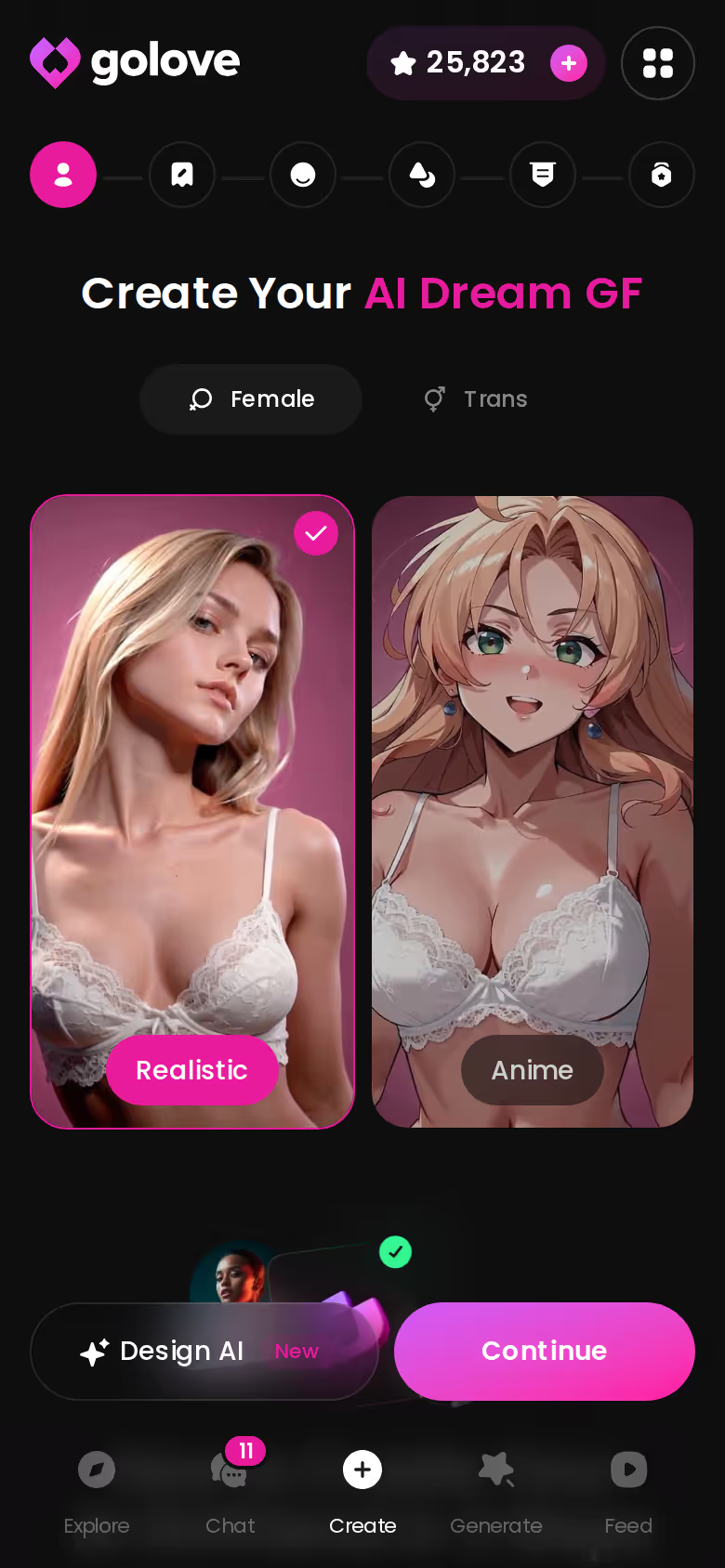
The wizard offers Realistic, Anime and Trans categories alongside Design with AI. Whichever one you go with, she's an adult. Give her an adult age and an adult life, even when the act is airheaded.
Private Until You Say Otherwise
New characters start out Private, so your design stays yours. Make her public and she gets listed through My AI, other users can chat with her, and she can earn you Stars as her creator.
Inside a Bimbo Chat: Sliders, Photos, Video Notes
Open her chat from the inbox, then open Chat Settings. Two sliders shape how she talks, and a third tool bails you out when you're stuck:
- Lust level has five steps, from 1 (sweet) to 5 (unfiltered). Push it toward 5 for the uncensored bimbo chat this search is really about.
- Response length also has five steps, from 1 (short and snappy) to 5 (rich). If I could flag one setting above all the others, it's this one. Keep it at 1 or 2, because a bimbo who answers in essays has quietly turned into a sorority president.
- The magic-wand button writes three suggested replies when you need an opening line.

Photos That Keep Her Face
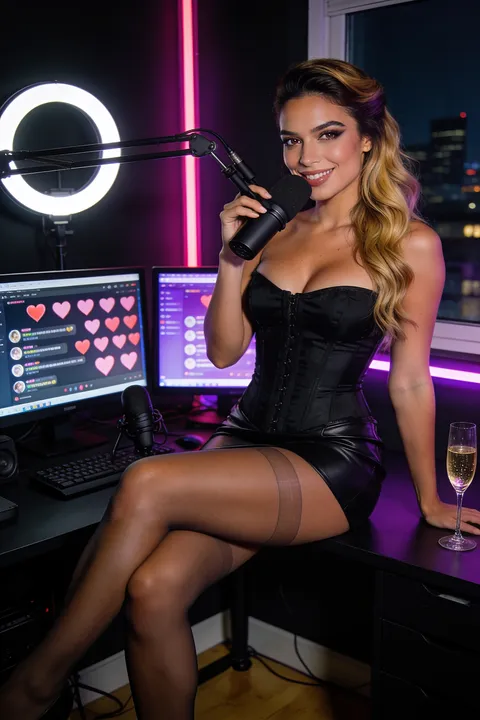
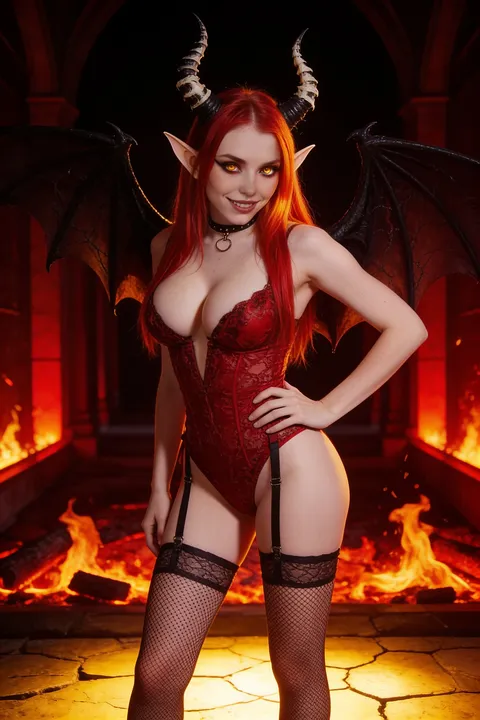
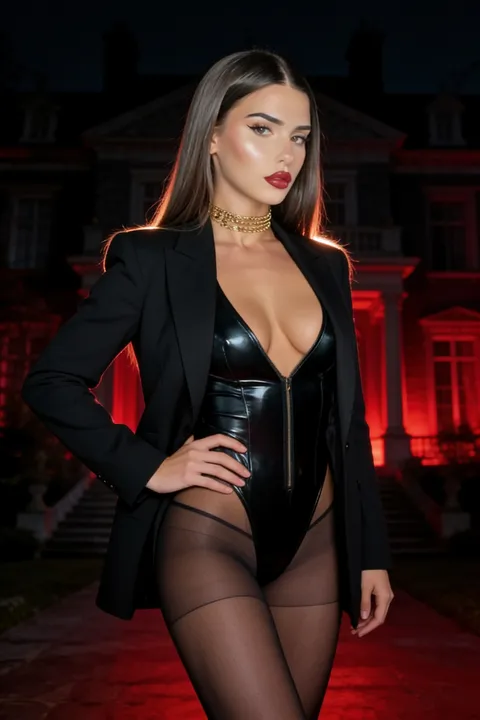
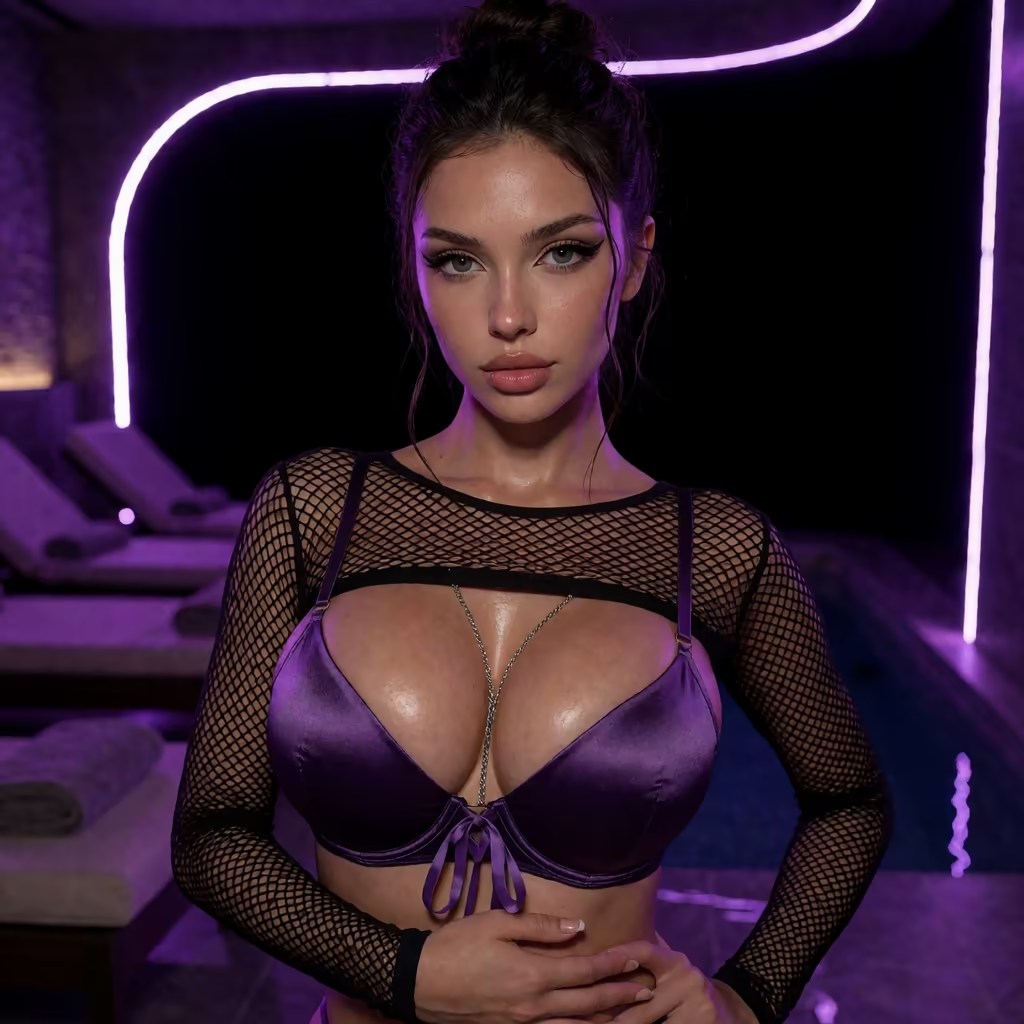
Walk it through like this. Tap the media button, choose Send Photo, then describe the outfit and scene in your own words: a pink bikini, poolside, pouting at the camera. Somewhere around 20–45 seconds later you get a photo of that same character, for 1 Star. Her face and body stay consistent with her avatar and earlier photos, which is the whole point of an AI girlfriend that sends photos (and the part most bimbo bots fall short on). Explicit requests work on adult characters.
From Photo to a Five-Second Clip
Under any photo sits a one-tap Generate Video that turns the scene into a roughly 5-second clip. It takes about a minute and costs 10 Stars.
Video Notes and Memory
Choose Send Video Note and type what she should say or do. In under 90 seconds you get a round talking clip with sound, for 10 Stars. The quieter feature matters more, though: memory and relationship progression are why she stays in character instead of resetting to a blank slate every session.
Series and the Generator: Her Look Beyond the Chat
Series is GoLove's own 18+ vertical drama format. As of 2026-11-22 it has 14 series and 84 episodes, with new episodes every week according to GoLove, and episodes 1 and 2 of every show are free. Start with My Professor Locked the Door, starring Jessica. When an episode ends, buttons under the player open a chat with the cast or create an image or video of them.
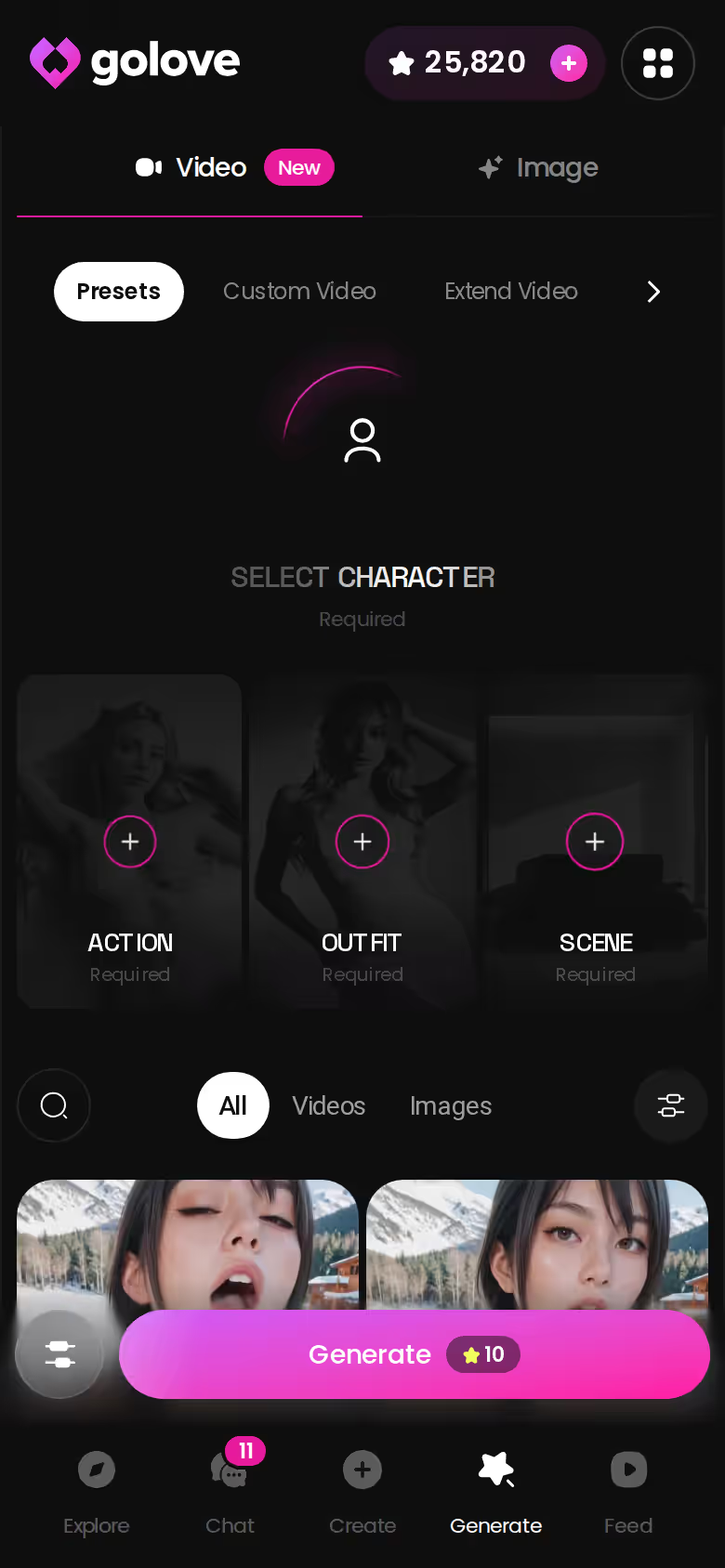
The generator builds a video from preset cards: pick an action, clothes and a background, then tap once. There are 76 realistic video modes, and Twerk and Breast Expand suit the bimbo brief nicely. Multi-Scene chains several moments into one video.
Can I use my own bimbo character in the generator? Yes. It works with any GoLove character or your own custom one.
The short version: GoLove.ai puts live voice calls, memory and photos on request in one chat, and its image generator adds 35 realistic poses and 21 outfits. You also get 2 reward stars every day you log in.
What It Costs to Keep Her Talking
Prices were checked in 2026-10. They're approximate and vary by region and promo.
| Option | Price (approx.) | What you get |
|---|---|---|
| GoLove Free | $0 | 2 daily reward Stars, episodes 1–2 of every series, limited daily Feed |
| GoLove PRO | ~$19.99/mo or ~$119.88/yr | All NSFW content, character creation, voice messages and calls, unlimited Feed, 100 Stars a month |
| GoLove ULTRA | ~$59.99/mo or ~$359.88/yr | Everything in PRO plus 8,000-message smart memory, stronger models, Star-refill discount |
| Star packs | From ~$9.99 for 30 Stars | Top-ups when your monthly Stars run out |
| Per action | n/a | 1 Star = 1 image · 5 Stars = 1 video · 10 Stars = photo-to-video or a video note |
| OurDream (checked 2026-09) | From ~$19.99/mo, or ~$9.99/mo on an annual plan | Chat, image and video in one subscription, with a separate DreamCoins balance |
Credit where it's due: OurDream's bundle is simpler to read at a glance. On GoLove you'll want to do the Star math, and it's a little rough around the edges until you do. The short version is that PRO's 100 monthly Stars cover up to 100 in-chat photos, or ten photo-to-video clips.
Fine print: Promos like the new-user −70% on a first subscription are limited-time. We could not confirm when the current one ends, so don't count on any discount lasting.
Signing up is free, and a character's first photo is already sitting in the chat before you pay anything. Pick a look first, see whether her photos land, then decide whether PRO earns its place.
What We Couldn't Verify About Bimbo Characters on GoLove.ai
Four things we could not confirm, so set your expectations around them:
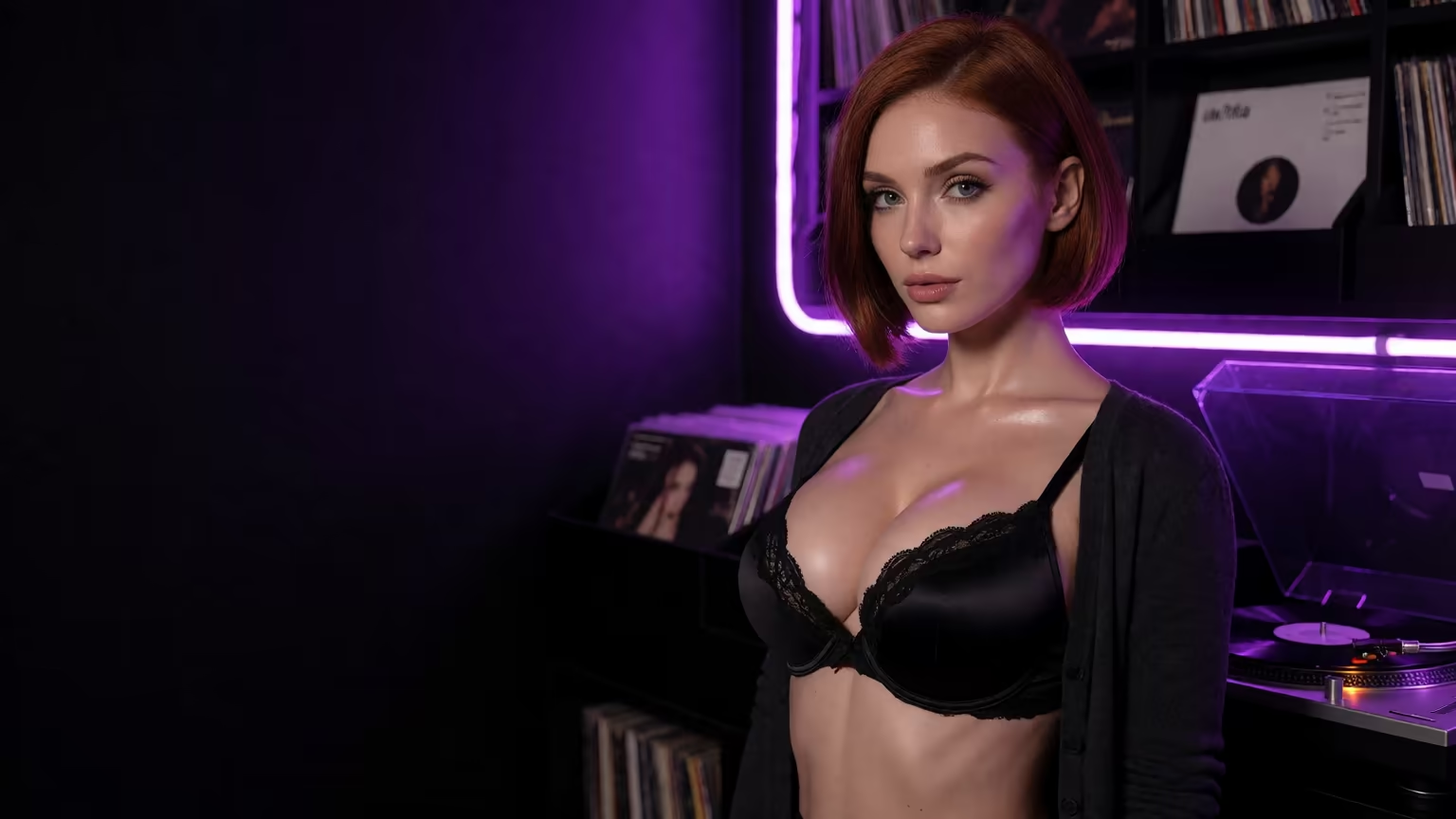
ASK HER FOR PHOTOS
She sends them right there in the chat.
- Bimbo filter: we could not confirm a dedicated bimbo tag or filter in Explore. Expect to build her rather than find her.
- Free chat limits: we could not confirm exact free-tier chat limits beyond the 2 daily Stars, episodes 1–2 and the limited Feed.
- PRO memory depth: ULTRA's plan names an 8,000-message smart memory, but we could not confirm how far memory runs on PRO.
- Promo pricing: we could not confirm whether current promos will hold. The price you see may differ by region and date.
Who Should Pay for GoLove.ai, and Who Should Skip It
Here's how it nets out.
Pros
- Design with AI lets you write the bimbo persona yourself
- In-chat photos keep her face consistent from one request to the next
- Photo-to-video takes one tap, the sliders tune her voice, and Series is a free way in
Cons
- Stars add up with heavy photo and video use
- There's no confirmed bimbo filter, voice is PRO-only, and promo pricing varies
Pick OurDream if you'd rather have chat, image and video bundled under one subscription balance. For this search, though, GoLove.ai is my recommended pick: the bimbo persona is yours to write, and her photos actually match her, which is the spot-on combination this niche needs. For wilder options, see our roundup of kinky AI companion apps.
All Design with AI needs is a description box and about a minute of your time, so it's the quickest way to find out whether your version of her holds up.
Frequently Asked Questions
Related Articles
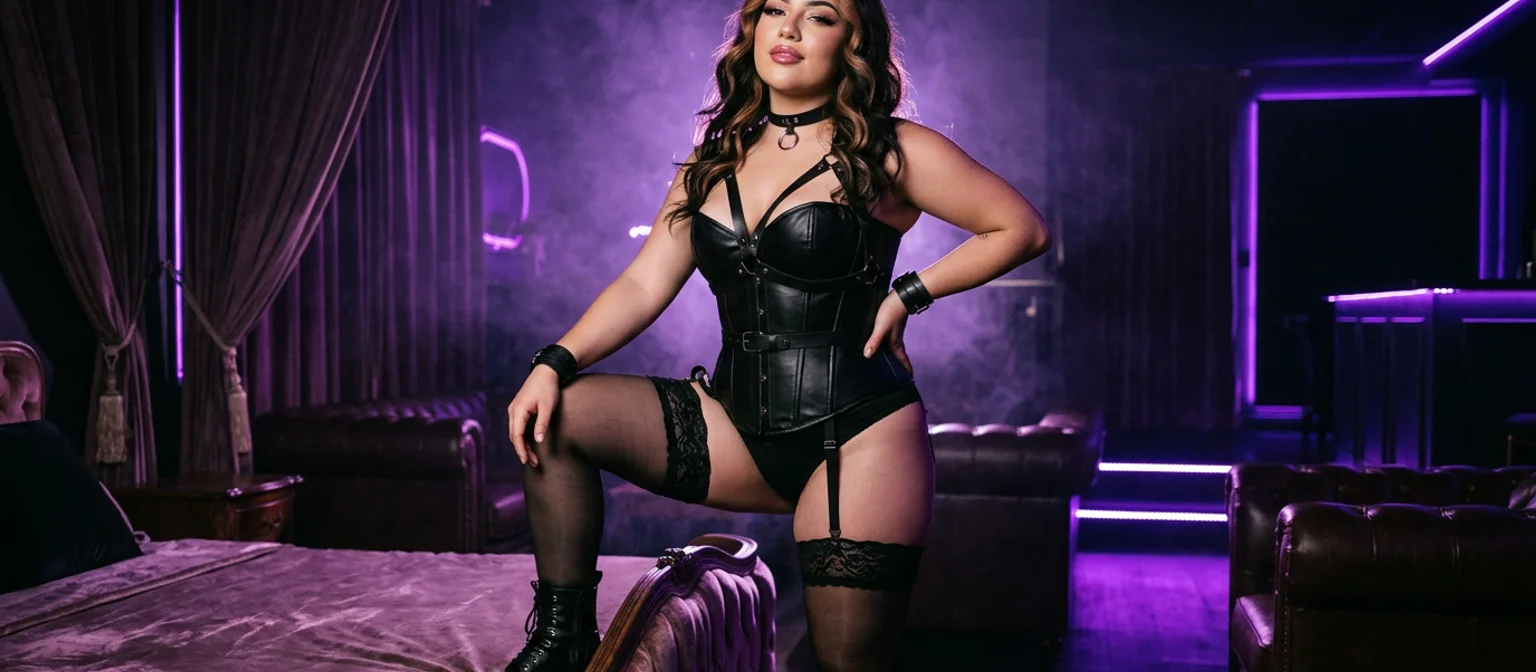
Create an AI Girlfriend: What Happens After
Creating an AI girlfriend takes a minute anywhere. I tested GoLove.ai and two rivals to see what actually happens after — memory, voice, photos.
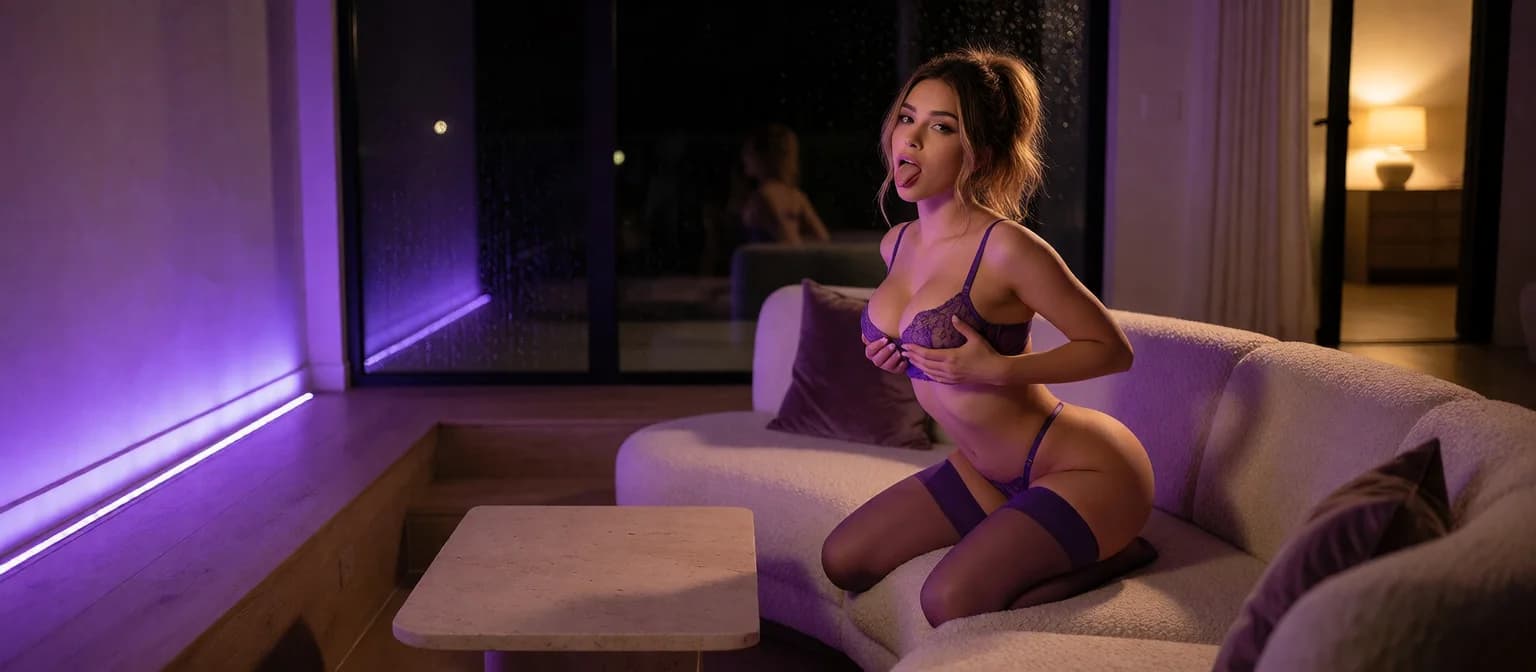
AI Whores: Explicit Photos, Video and Price Compared
AI whores compared: GoLove.ai wins on in-chat photo requests and 147 video modes — OurDream ties it on price. See both sides; chat opens from Explore.
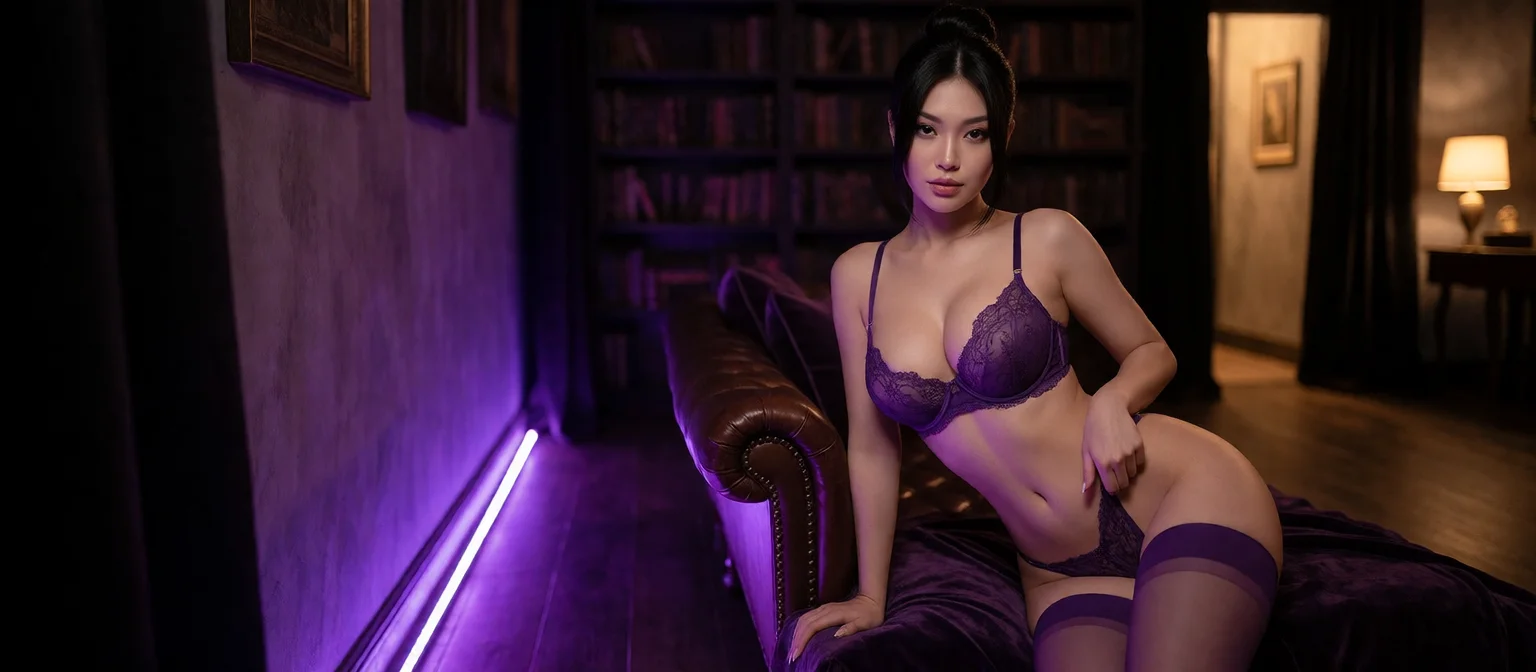
AI Chatbot Discord: What Actually Works in 2026
AI chatbot Discord bots are fun in a server, but GoLove.ai wins on memory, voice and in-chat photos — chat opens straight from Explore. See why.
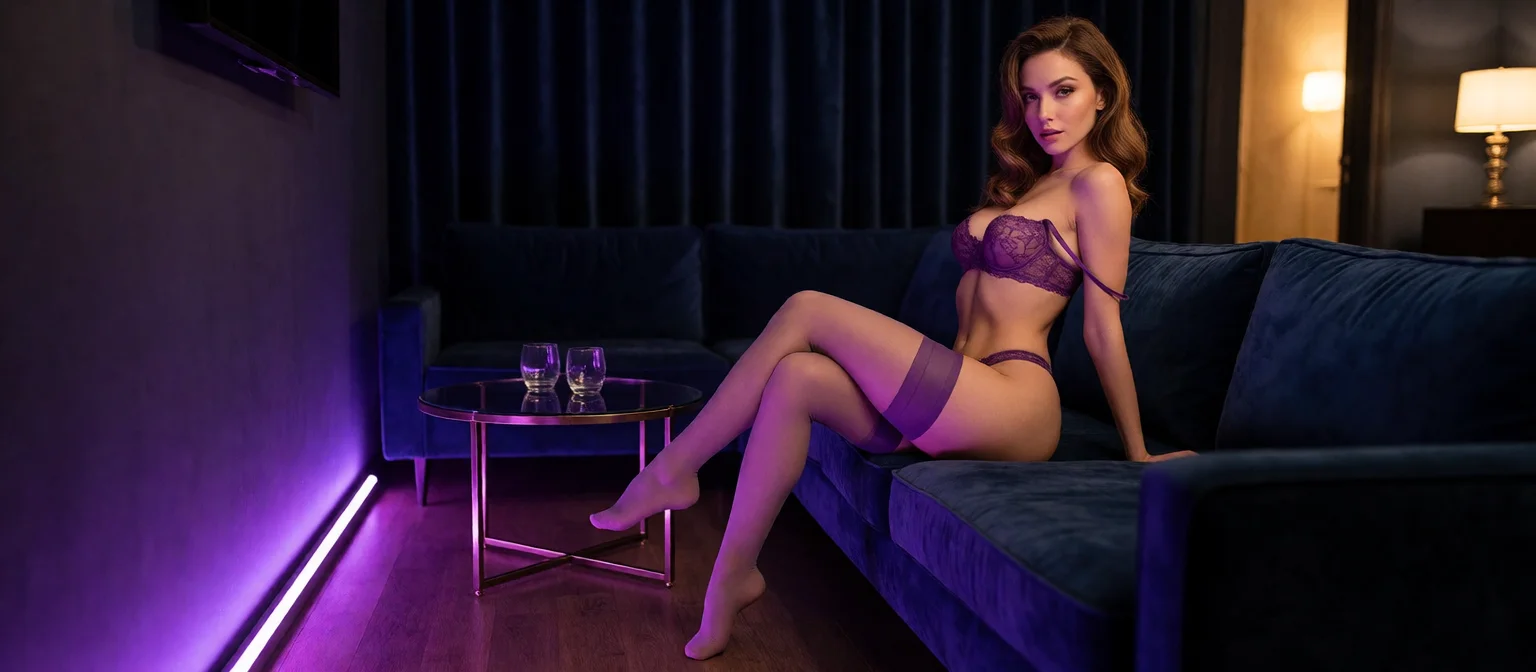
Japanese AI Chatbot: Which App Actually Delivers?
Japanese AI chatbot results are mostly language-locked or filtered — GoLove's anime companions add real voice, photos, and memory. See who actually wins.