
 −70%

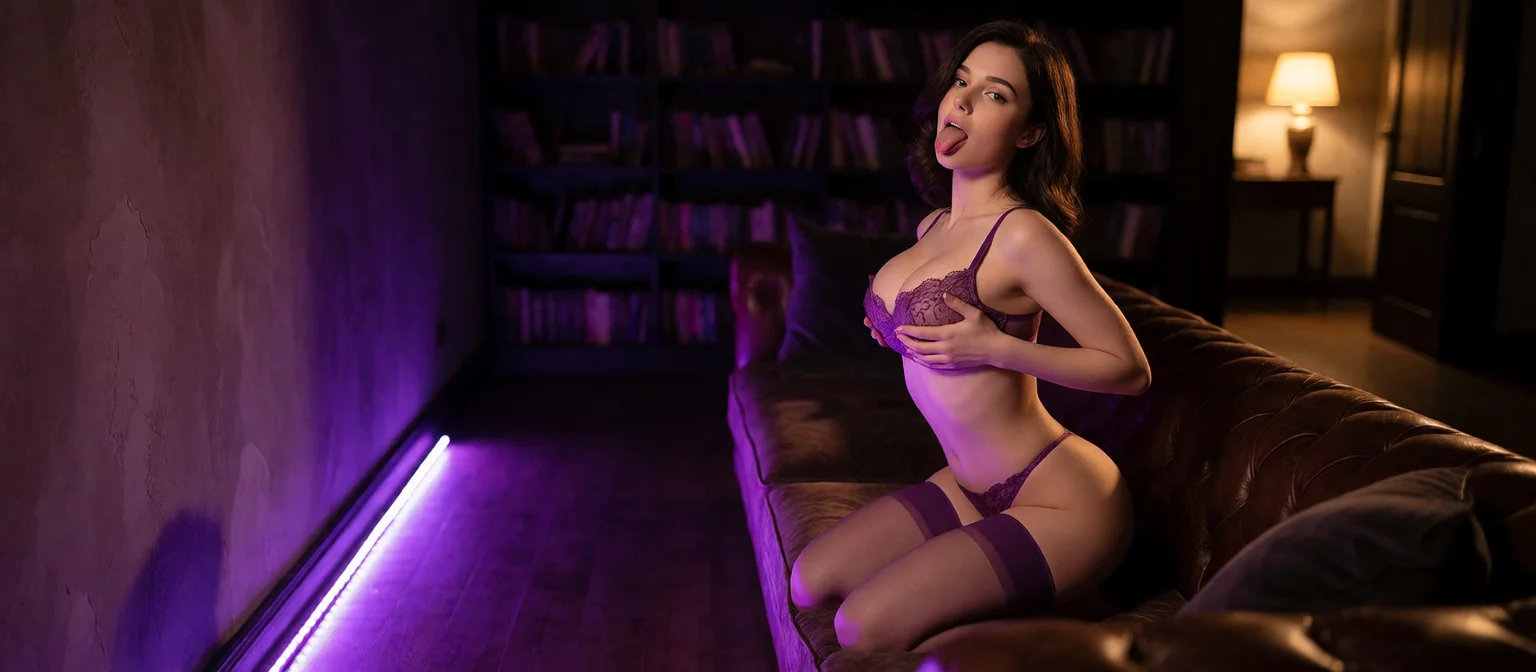
AI Chat Bot Rooms: Group Scenes With 2-10 Characters
From Public Lobby to a Room You Cast Yourself
Type "AI chat bot rooms" into a search bar and you'd expect a noisy public lobby where strangers and bots talk over each other. The version worth your evening is quieter and far more personal: a private room where you pick the cast, write (or roll) the premise, and the characters start flirting with each other before you've finished your drink.
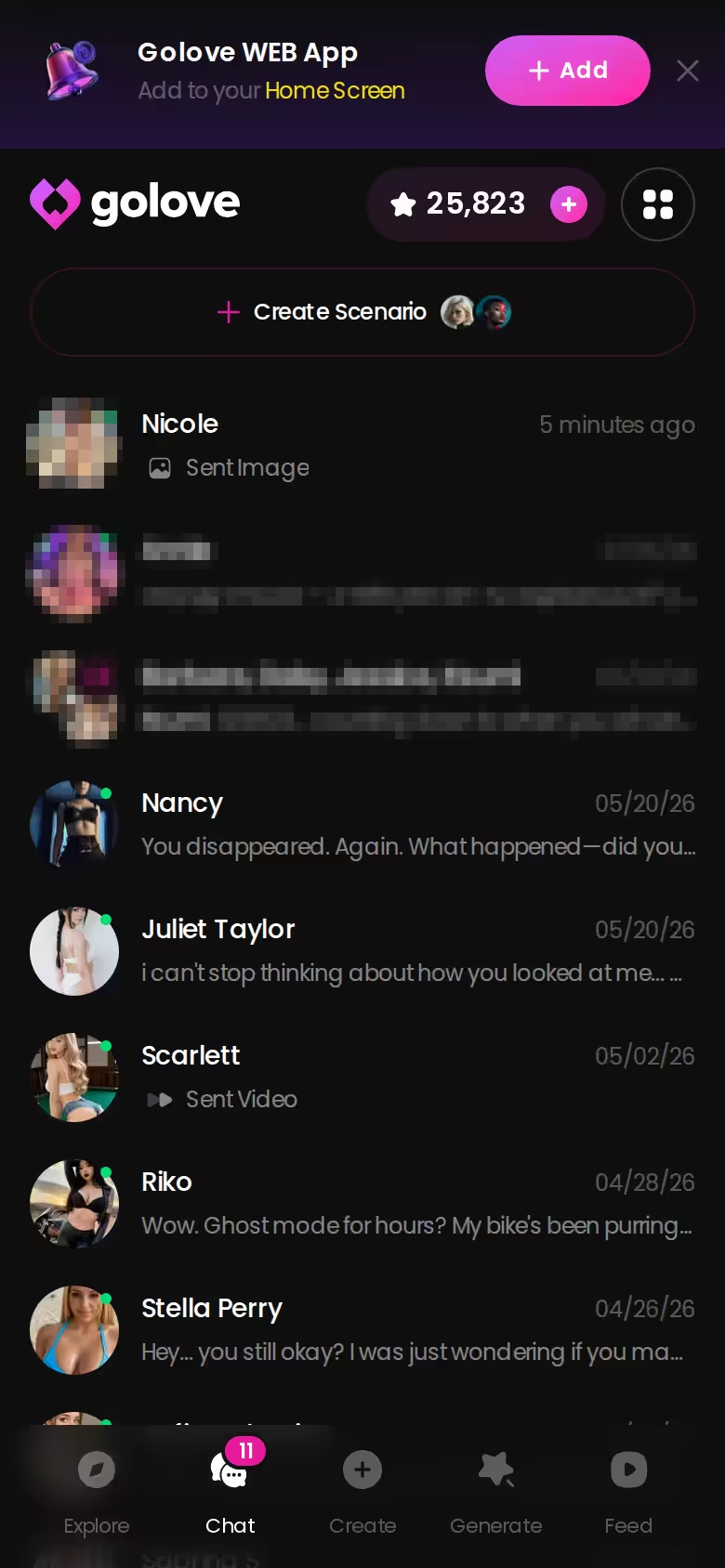
That's why GoLove.ai is my pick for this search. Its Scenarios feature runs 2–10 characters in one chat, and nobody gets in unless you let them. I also like how unfussy the layout is. Rooms and one-on-one threads share the same chats list, so a group scene sits one tap away from the girl you were texting last night.
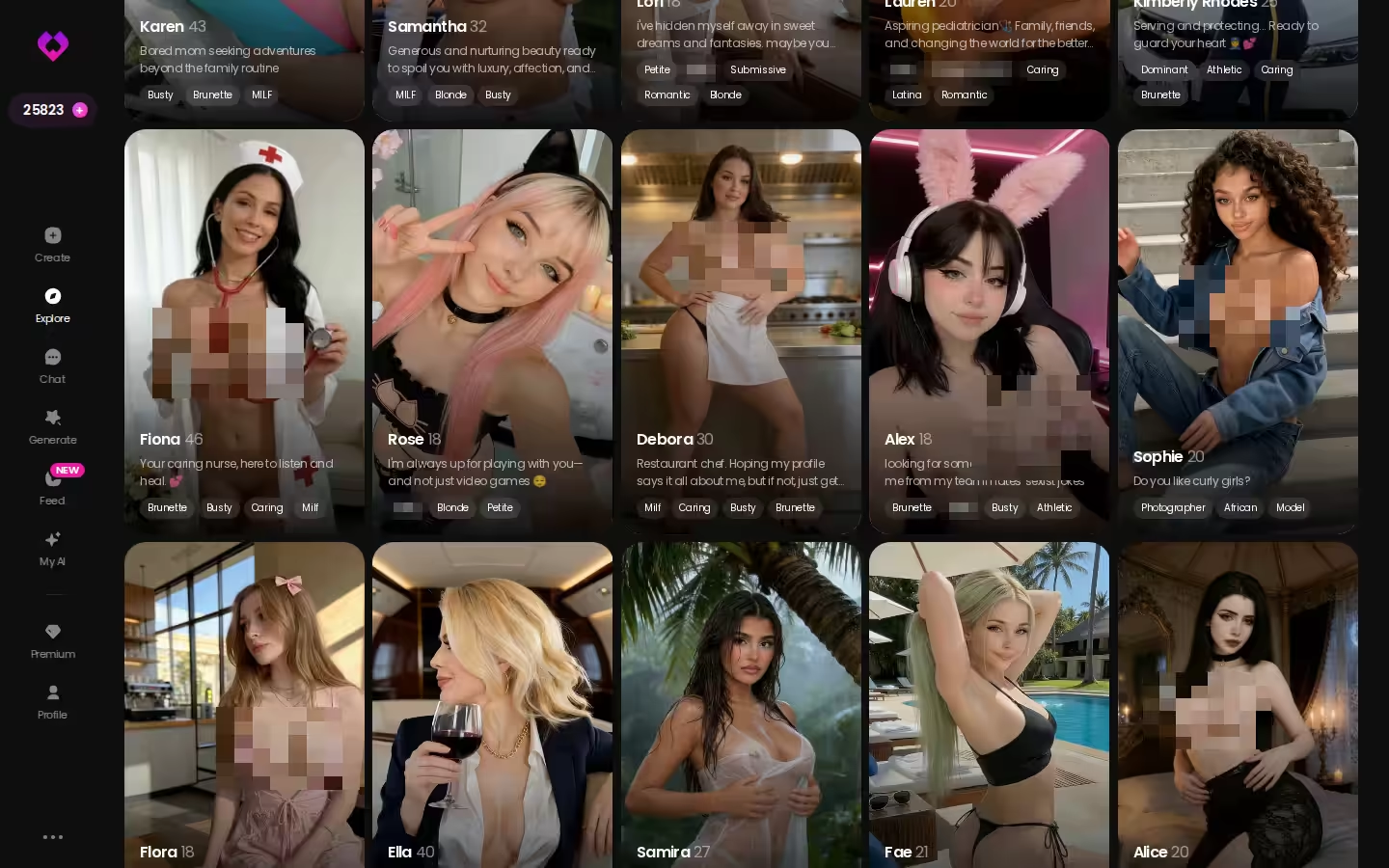
If you've only done one-on-one chats so far, browse the cast now. Picking faces is the fastest way to picture who belongs in your first room.
Casting the Room: How a GoLove Scenario Comes Together
Let's walk through it. You open Scenarios and add your cast, anywhere from 2 to 10 characters. Next comes the premise: type your own ("snowed in at a ski lodge, one bed left") or hit Random and let GoLove write one for you. Welcome messages land right away, so the scene opens already moving. The last decision is who else gets to see the room.
ASK HER FOR PHOTOS
She sends them right there in the chat.

- Cast: 2–10 characters per room
- Premise: your own, or rolled with Random
- Privacy: private, unlisted or public, set per room
- Continue: hand the scene to the characters and watch
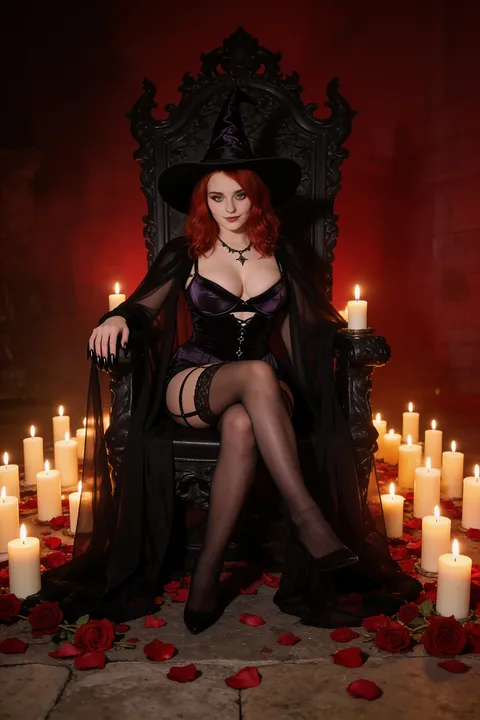
Each character answers in her own voice, and that's the detail that makes it a group rather than one bot wearing three wigs. Feeling lazy (no judgment)? Continue lets them carry the scene between themselves, in-story photos included.
Tuning Every Character Before the Lights Go Down
Chat Settings work per character. In a one-on-one thread that's a nice-to-have; in a room it's the whole game, because you want one girl slow and teasing while another stays clipped and bossy. Open Chat Settings in each character's chat and set:





- Voice: choose from the voice picker
- Lust Level: 5 steps, from 1 sweet/wholesome to 5 unfiltered/intense
- Response Length: 5 steps, from 1 short/snappy to 5 rich/immersive
A group scene only works when the characters don't all sound alike, and Response Length is the one setting that keeps them apart.
Put the teaser on a 5 and the bossy one on a 1, and you get long, lingering paragraphs answered by two-word orders. That contrast is exactly what a room needs.
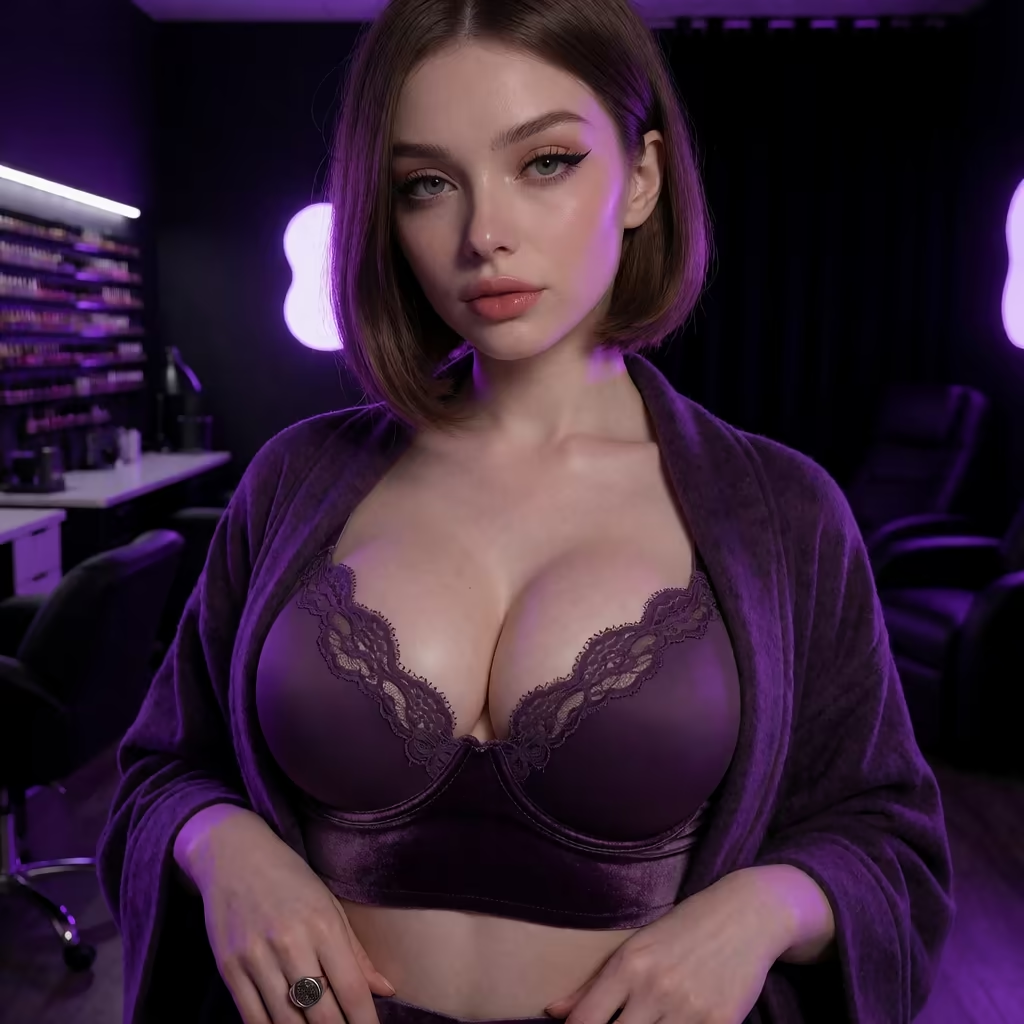
On GoLove.ai, the order that works:
- Pick a character — or build one to your taste
- Say something real: she remembers your chat history
- Open Chat Settings: pick her voice, lust level and reply length
- Ask her for a photo in the chat
- Want a set pose or outfit? The image generator has 35 realistic poses and 21 outfits
When the Room Starts Asking for Pictures
Sooner or later the story wants visuals. Group photos put up to 3 characters together in one custom photo, which comes in handy when the ski-lodge plot drifts toward the hot tub. You can also ask any single character for a photo by describing the scene in your own words; it arrives in about 20–45 seconds for 1 Star, with her face and body consistent with the avatar. Under it sits a one-tap Generate Video that makes a roughly 5-second clip in about a minute for 10 Stars, and Multi Scene in the video generator stitches several moments into one clip.
Would you rather step into a room someone else already wrote? Series has 12 series and 70 episodes as of 2026-11-13. Episodes 1–2 of every show are free, and a Start Chatting button under the player opens a chat with the cast. For wider options, see our roundup of kinky AI chat apps worth paying for.
GoLove.ai's Free Tier: Where the Room Gets Locked
I'll be blunt: the free tier is thin. A free account gets 2 reward Stars a day, a limited daily Feed and episodes 1–2 of every Series. Logged out, a chat shows the first photo and blurs the next one behind a Sign Up lock.
Prices were checked in 2026-10 and vary by region and promo. PRO runs about $19.99/month or about $119.88/year and includes 100 Stars a month, all NSFW content and character creation. Star packs start around $9.99 for 30 Stars, with 1 Star buying one image.
| GoLove PRO | OurDream Premium | |
|---|---|---|
| Price | ~$19.99/mo or ~$119.88/yr (checked 2026-10) | from ~$19.99/mo, or ~$9.99/mo annual (checked 2026-09) |
| Group chat, 2–10 characters | Yes, via Scenarios | Not confirmed |
| Everything in one subscription | Partly: 100 Stars/month, extra Stars sold separately | Yes: chat, image and video bundled |
- Gain: private, self-cast rooms that keep going with Continue
- Give up: one-bill simplicity, since photo-heavy nights mean buying Stars
- Expect: a free account is a taste, not the full room
Credit where it's due: OurDream's single bundle is spot on for anyone who hates topping up, and that's where GoLove's Star model feels a little rough around the edges.
Fine print: GoLove calls the new-user −70% offer limited-time, we couldn't confirm an end date, and the prices or promos you see may differ by region.
What I'd Build in My First Room Tonight
My first move would be Design with AI. Describe a companion in plain text, and in about a minute she has a name, @handle, bio and portrait, for roughly 3 Stars. She's private by default, too. After that I'd tune her sliders, Lust Level mid-way and Response Length low so she stays snappy. Then two characters from Explore join her in a private Scenario — Sunny's porch-swing sweetness against Captain Audrey's swagger feels like a fun clash. Hit Random, then let Continue run.
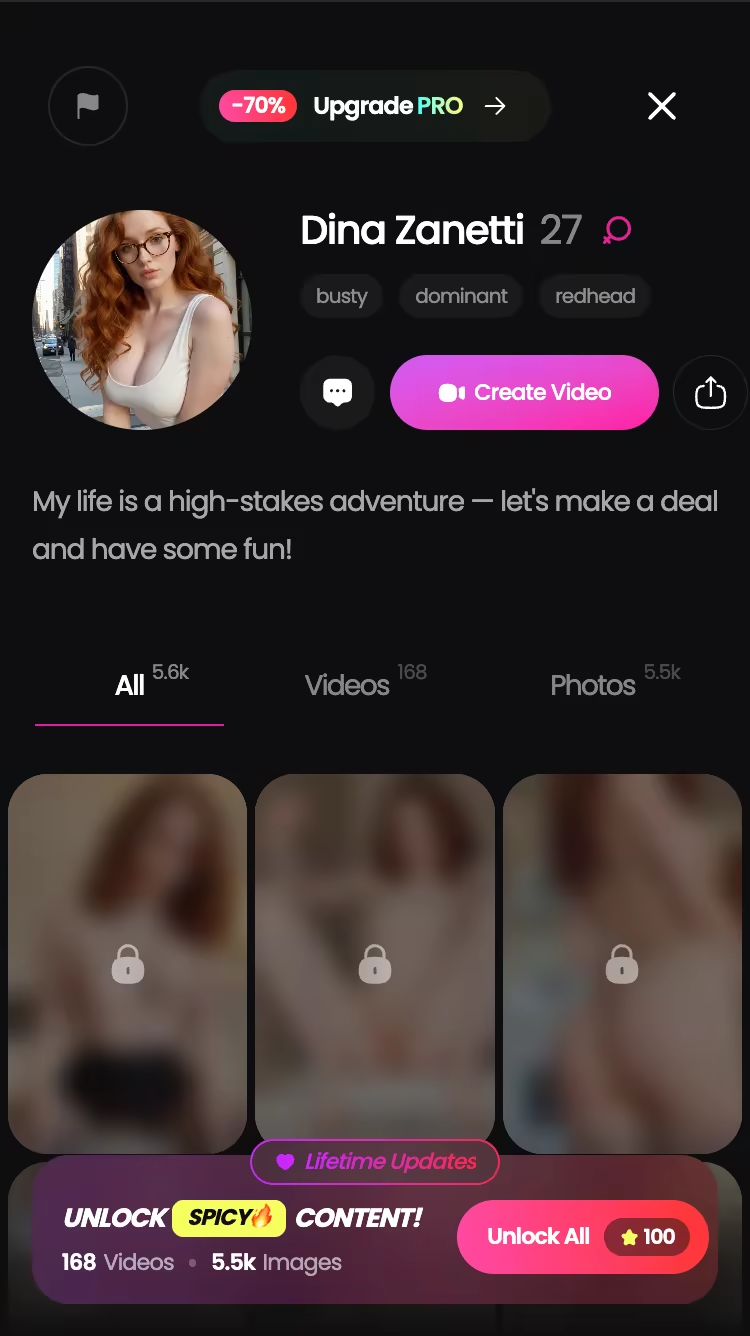
If you want chat, images and video under one subscription and don't need a native app, OurDream is a fair choice. For rooms specifically, though, GoLove.ai is my pick: Scenarios lets 2–10 characters share one scene and keep it going without you typing every turn.
Your own character is the one cast member nobody else can supply, so build her first and drop her into tonight's room.
Frequently Asked Questions
Related Articles
Rule 34 AI Chat: Custom Characters, 147 Video Modes
Rule 34 AI chat — GoLove.ai wins on custom builds: describe a concept, get an original adult character. Compare 147 video modes and the -tier limits.
Pomni AI: Build a Digital Circus-Style Original Chat
Pomni AI fans want the Digital Circus jester — GoLove.ai wins on Design with AI: describe her vibe, get an original character. Start in Explore.
Love Chat: An AI Romance That Remembers You
Love chat with AI only works if she remembers you — GoLove.ai wins on memory and in-chat photos of the same girl. Watch her Series, then start chatting.
NSFW Furry AI: Anthro Chat, Custom Builds and Limits
NSFW furry AI compared — GoLove.ai wins on memory, live voice and chat photos. Builder: Realistic, Anime, Trans — try Design with AI for anthro.