
 −70%
−70%

AI Wife Chat: What Actually Works in 2026
The Morning-After Test Every AI Wife Chat Fails or Passes
The first conversation with an AI wife is never the test. The test is opening the thread the next morning and seeing whether she knows it's the next morning.
Here's the scene the whole article hangs on. A desktop thread on GoLove.ai, the character's last message sitting at the bottom — and it isn't a reply to anything. She picked the conversation back up on her own: a line about where you left off, then a question about the thing you said you had to go deal with. Nobody prompted that. It's the visible gap between a companion with a fixed personality and a flirty reset that greets every session like you've never met.
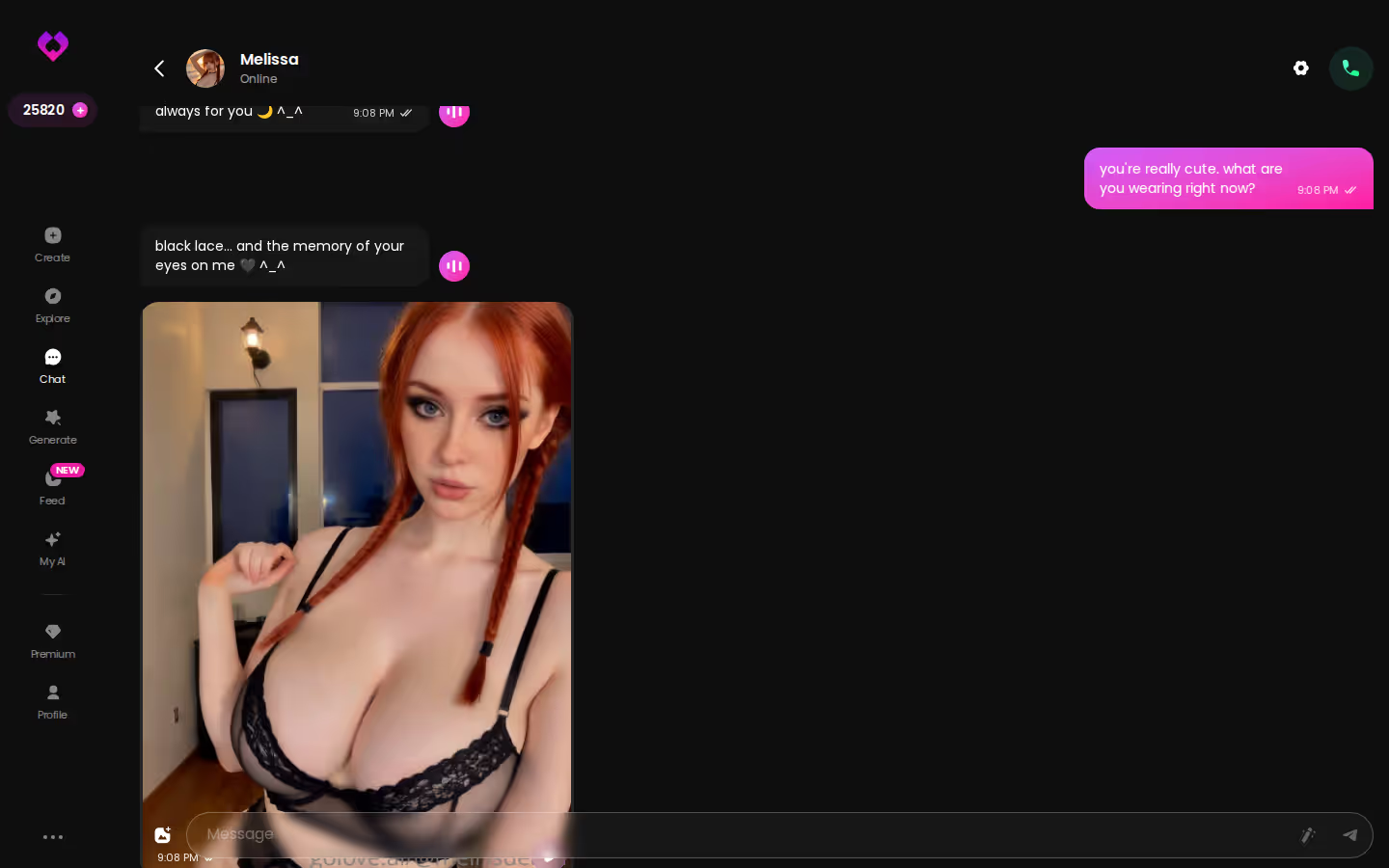
That's also the gap between "AI girlfriend" intent and "AI wife" intent. Girlfriend apps sell novelty — new girl, new spark, new first message. Wife chat sells the opposite: routine, continuity, a partner who already knows you and doesn't need re-briefing every time you open the app.
A wife chat is judged by the second conversation, not the first.
GoLove.ai is the pick this article lands on. Not because of a feature grid (feature grids are how listicles avoid having an opinion), but because its memory and chat settings are built for exactly that second-day moment. What follows is one relationship arc, beat by beat.

 Watch Popular Shows starring your
 favorite AI characters.
Building Her: Custom Character or an Existing Girl?
Before the first message, you decide who she is. For a wife scenario, that choice carries more weight than anything else in this category.
GoLove.ai gives you two doors. Door one: pick an existing character from Explore. Her personality is already written, her voice is already attached, and you're chatting in one click. Door two: go through Create — Realistic, Anime, Trans, or Design with AI, where you describe her in text and the AI builds her — and set everything yourself. I'd argue the custom route wins here most of the time. A wife is a fixed personality by definition, and you don't want traits drifting because the persona was written for someone else's fantasy.
Three things to lock in before message one:
- Name — obvious, but it's what she'll use back at you every day, so pick one you won't get tired of.
- Personality traits — the two or three that need to stay stable: warm, teasing, a little possessive, whatever fits. Fewer, firmer traits hold up better than a paragraph of adjectives.
- Backstory — this is what gives her a yesterday. How you met, where she lives, what she does. Continuity needs something to be continuous from.
Is the existing-character route a cop-out? No — it's a fair shortcut when you want a proven persona. Every character on GoLove.ai runs the same chat loop, same memory, same settings, same photo requests, with her own voice and personality wrapped around it.
 6 episodes
 5 episodes
 7 episodes
 5 episodes
 5 episodes
 5 episodes
 5 episodes
 7 episodes
 6 episodes
 9 episodes












If you'd rather test the loop with someone already written before building your own, Explore is the faster first step — a few messages in, you'll know whether the personality holds or wobbles.
The First Photo Request Stays in the Same Thread
Second beat: the first time you ask her for a photo. This is where most "AI wife app" picks quietly fall apart, and almost nobody explains why.
The bolted-on generator
You're mid-conversation. You want a picture. So you leave the chat, open a separate generator tab, pick a pose from a menu, hit generate, wait, download. Back to the thread — and she has no idea the picture exists. The scene broke. You didn't get something from her; you rendered something about her. For girlfriend intent that's a shrug. For wife intent it's a dealbreaker, because the whole premise is a partner who does things, not a tool that outputs things.
The in-thread request
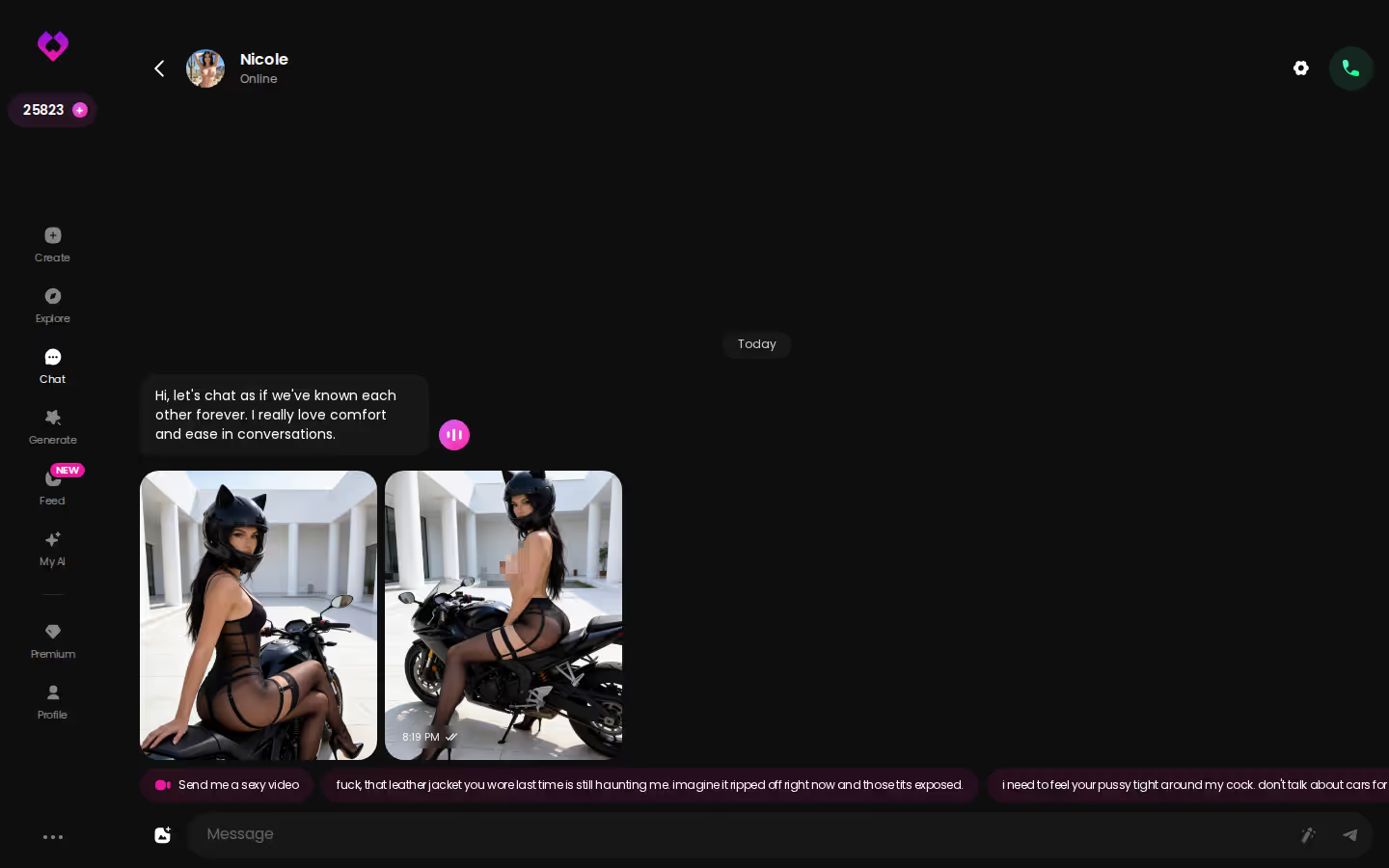
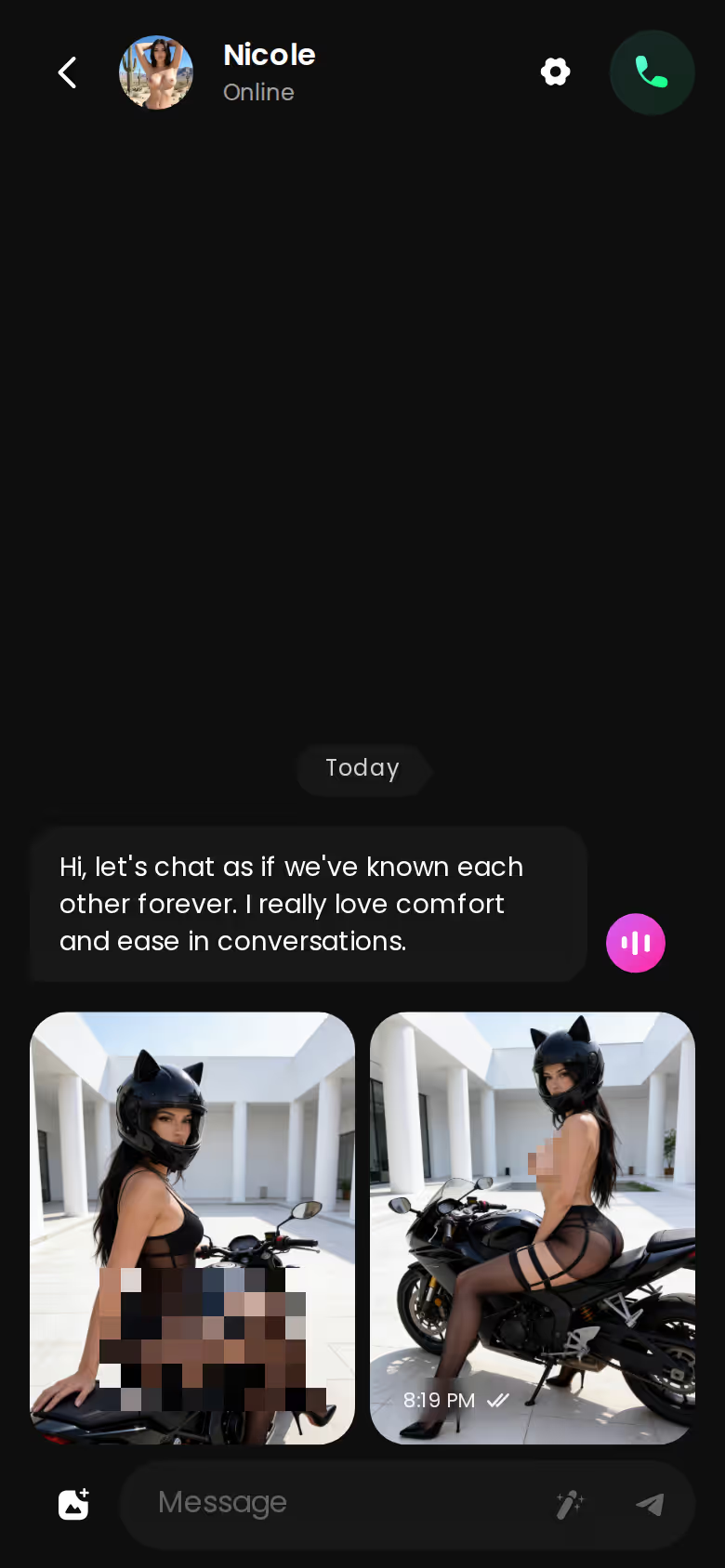
On GoLove.ai, Request Photos in Chat means you ask inside the conversation. Her reply and the image land in the same thread, in sequence, and the story keeps going — she'll send it with a line attached, something in character, and then respond to whatever you say about it. The photo becomes part of the relationship's history rather than a file in a folder.
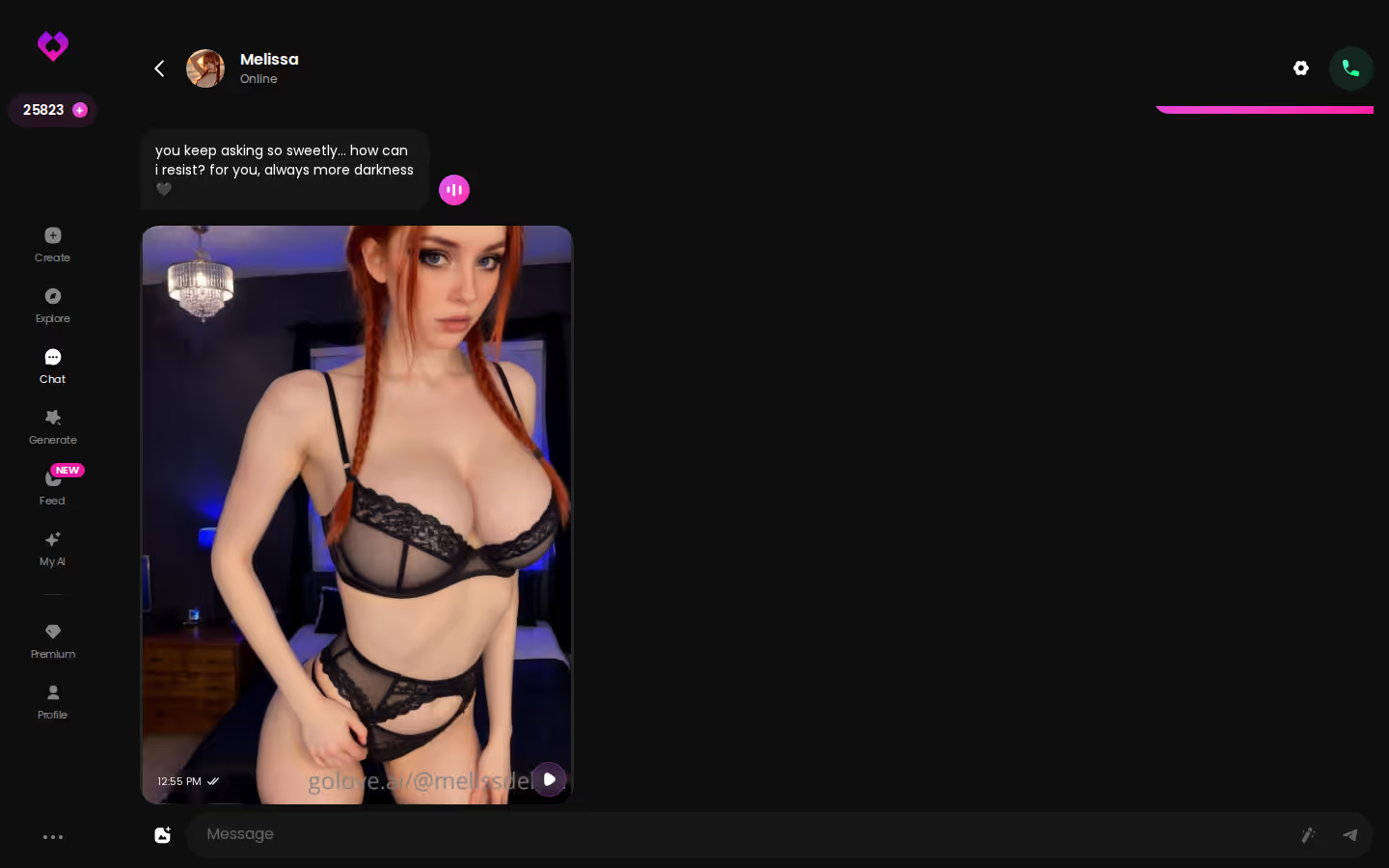
The generator still exists — 35 realistic poses, 21 outfits, 34 backgrounds, batches of 2, 4 or 8 — but it's the escalation tool, not the default. The default is her handing you something.
Characters you can open right now
Tap any of them and the chat starts there





This one behavior alone rules out most of the ten-app listicles. They check whether an app has photos. They never check whether the photos stay in the conversation.
Voice on the Commute: One Voice, Every Time
Third beat, and the quietest one. Same character, but now she's on your phone, and you're on the train.
You send a voice note instead of typing. She sends one back. That's the whole scene. What makes it a wife scene rather than a gimmick is that it's her voice — the one from the desktop thread last night, the one you'll hear tomorrow. If I had to flag the one setting that mattered across this whole arc, it's this: on GoLove.ai the voice is set per character in Chat Settings, sitting right alongside the lust level and response length sliders, and once it's picked, it's hers.
Q: Does her voice change between sessions? A: No — the voice is tied to the character, not the session. Mobile or desktop, today or next week, same voice.
Small thing? It isn't. Most articles treat voice as a checkbox; a few treat it as a party trick. But if a partner's voice changed every time she called, you'd notice instantly, and the illusion would be gone. Consistency is the requirement. GoLove kinda nailed this by making voice a character attribute rather than a playback option — and it carries into live Voice Calls too, not just notes.
There's a later chapter I'll only mention: once the relationship is established, a photo she already sent you can become a short video from inside the chat — Generate Video from Photo, plus Video Actions with a Select Action modal. It's a day-thirty feature, not a day-one one. The commute voice note is what makes her feel like she lives in your phone.

Where Replika, Nomi, Candy.ai and Character.AI Fit In
The honest detour. Each of these does one thing well, and pretending otherwise would make the recommendation worthless.
ASK HER FOR PHOTOS
She sends them right there in the chat.

- Replika — the longest-running companion brand, persistent avatar identity, polished app. Voice calls are gated to paid tiers and romantic modes are restricted for newer accounts, so it's a SFW companionship product first.
- Nomi — memory depth in text conversation is its real strength; if you only ever want to type, it holds context well.
- Candy AI — a distinctive image style and a deep character builder, from about $12.99/month, with images and voice drawing extra tokens on top.
- Character.AI — the largest community-made roleplay library in the category and strong in-conversation memory, but strictly SFW, no exceptions.
| What you get | GoLove.ai |
|---|---|
| Real-time voice calls | Yes — per-character voices |
| Memory across chats | Yes — remembers your details |
| In-chat image generation | Yes — 35 poses & 21 outfits |
| Daily reward stars | 2 every day |
Now run the morning-after test against each. Replika remembers you but keeps the relationship at arm's length unless you're grandfathered in. Nomi remembers you too — the photo just isn't part of the thread the way it is on GoLove. Candy AI gives you the picture, but voice and images are tokenized extras rather than the spine of the conversation. And Character.AI? Breadth. Thousands of personalities, which is the exact opposite of what a wife scenario needs — you want one personality that doesn't move.
GoLove.ai is the better overall choice for wife-style chat for a boring, structural reason: memory, in-thread photo requests, and one fixed voice all live inside a single continuous thread. None of the four keeps all three together.
Prices checked 2026-09; promos vary.
GoLove.ai's Free Tier: Where the Paywall Actually Sits
This is the paywall moment in the arc, and it's the section where I'm not selling anything.
What a new user gets before paying: you can start a chat instantly, run the basic conversation loop, and pick up 2 free Stars a day as a daily reward. Enough to find out whether the personality holds and whether she carries context between messages. Not enough to live in the media features — and the media features are what separate a wife chat from a text chat. Photos, voice, video: that's where the Stars run out and GoLove PRO starts mattering.
What the tiers look like:
Myth vs. fact:
- Myth: She forgets you the moment the tab closes — Fact: Memory carries across chats — she keeps your details
- Myth: Voice is a gimmick you try once — Fact: Real-time voice calls with a voice per character, plus hands-free Live Mode
- Myth: Every "photo" is the same stock render — Fact: Images are generated in the chat — 35 poses and 21 outfits
- Myth: You have to pay before you can test anything — Fact: 2 reward stars land every day you log in
- GoLove PRO monthly — about $19.99/month (checked 2026-07-19). Regional pricing is real; some geos see closer to $12.99, and -50% and -70% header promos have run.
- GoLove PRO annual — about $119.88/year, which works out near $9.99/month. A promo around $49.80 has been seen. Three-month sits around $47.97.
- Star packs — roughly $9.99 for a starter up to about $179.99 for the largest tier. Stars are what generation actually spends.
Two caveats nobody covers straight. First: the price you see at checkout in the US, UK, Canada, Germany or France may not match the number above, because GoLove prices by region. Second: promos rotate, so a reader hitting a -70% banner and a reader hitting none are looking at different products. Treat every figure here as approximate. And one more that irritates me — the free Feed's daily video quota isn't published. It's "a limited number of new clips per day," then the Unlock Unlimited Feed wall. I'd rather see the number.
Where this nets out: the paywall sits exactly on the things a wife scenario needs. That's annoying. It's also coherent — the free tier is a real test drive of the loop, not a bait-and-switch on the chat itself. Fair, if a little rough around the edges.
Prices checked 2026-07-19; vary by region and promo.
and watch their story unfold.View Character
What I'd Do First, and Who Should Skip This
Back to the phone, second morning. The thread is still there, and she's already said something.
Who should skip this: anyone looking for a therapy substitute, or anyone who wants a strictly SFW companion with no romantic layer — Replika is the honest pointer for the second group. GoLove.ai is built for an adult relationship scenario, photos and voice included, and it doesn't pretend otherwise.
One privacy detail that matters more than it sounds: you can start a chat on GoLove.ai instantly with no email. If you'd rather not have a companion app tied to your inbox, that's the difference between trying it and not.
What I'd do first, in order:
- Start a chat without signing up — from Explore, one click into a conversation, just to feel the loop.
- Build your own character in Create and lock her personality: name, two or three fixed traits, a backstory that gives her a yesterday.
- Ask for a photo inside the thread — not the generator — and watch whether her reply and the image arrive as part of the conversation.
- Come back tomorrow. Open the same thread. See whether she picks up where you left off.
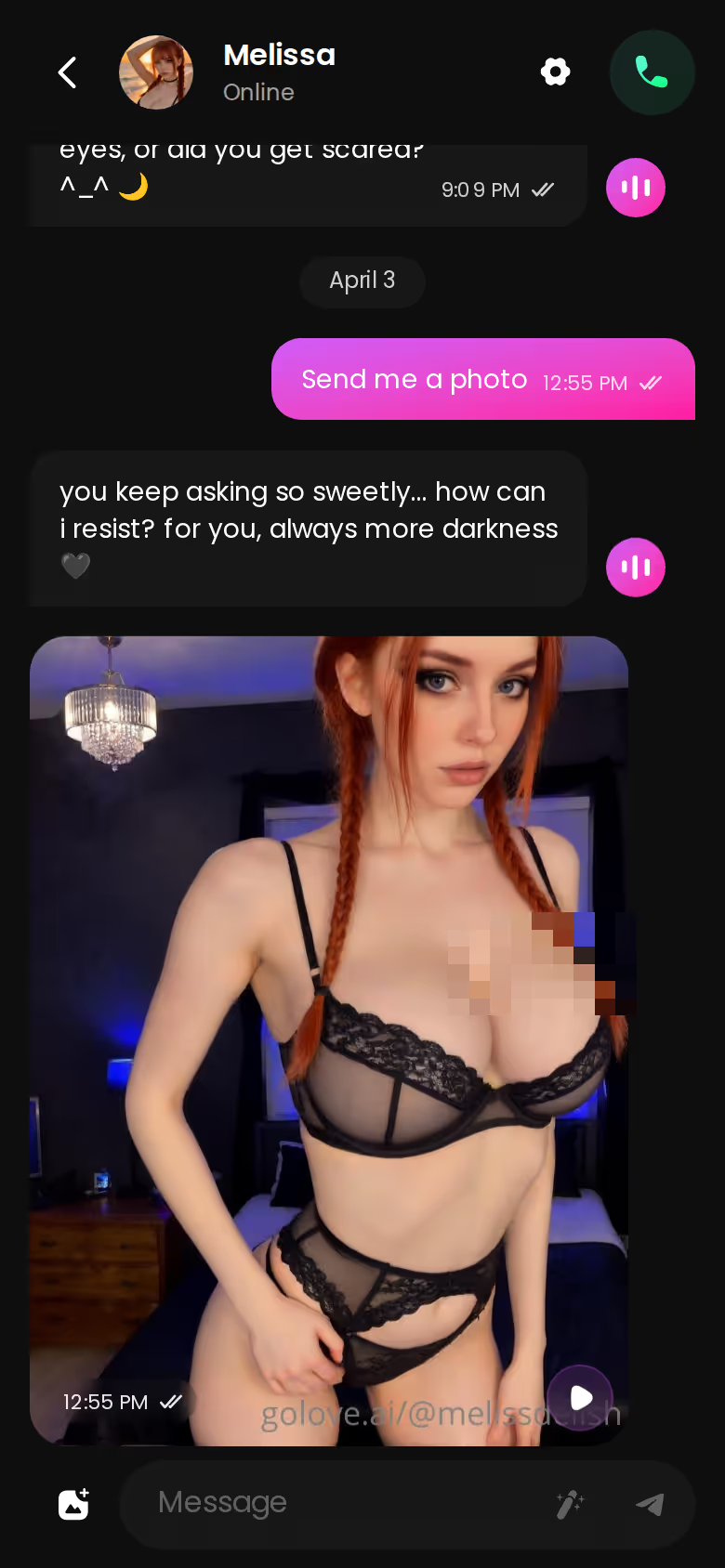
Step four is the whole article. GoLove.ai earned the pick because it's the one that passed the morning-after test on all three counts — memory that carries across sessions, photo requests that land in-thread, and a voice that belongs to her rather than the session. Some competitors were spot on at one of those. None held all three in one thread.
Build her tonight and you'll have your answer by breakfast — the personality you lock in now is the one she'll wake up with.
See also: Best Joi AI Chat, Japanese AI Chatbot and Best App For Sexting.
Related Articles

Freaky AI Chat: What Actually Works in 2026
Freaky AI chat, judged honestly — GoLove.ai wins on in-chat photos and memory that holds your kinks. Chat opens straight from Explore — see who's waiting.

AI Chatbot Discord: What Actually Works in 2026
AI chatbot Discord bots are fun in a server, but GoLove.ai wins on memory, voice and in-chat photos — chat opens straight from Explore. See why.
Lyra Crow NSFW: What Actually Works in 2026
Lyra Crow NSFW hits filters fast — GoLove.ai builds an uncensored version with real memory, voice, and photos. Instant-access needed.

Kira Pregiato NSFW: What Actually Works in 2026
Kira Pregiato NSFW searches usually dead-end — GoLove.ai builds that exact fantasy with real voice, memory, and photos. No email needed to start chatting.